
Table of Contents
Executive Overview
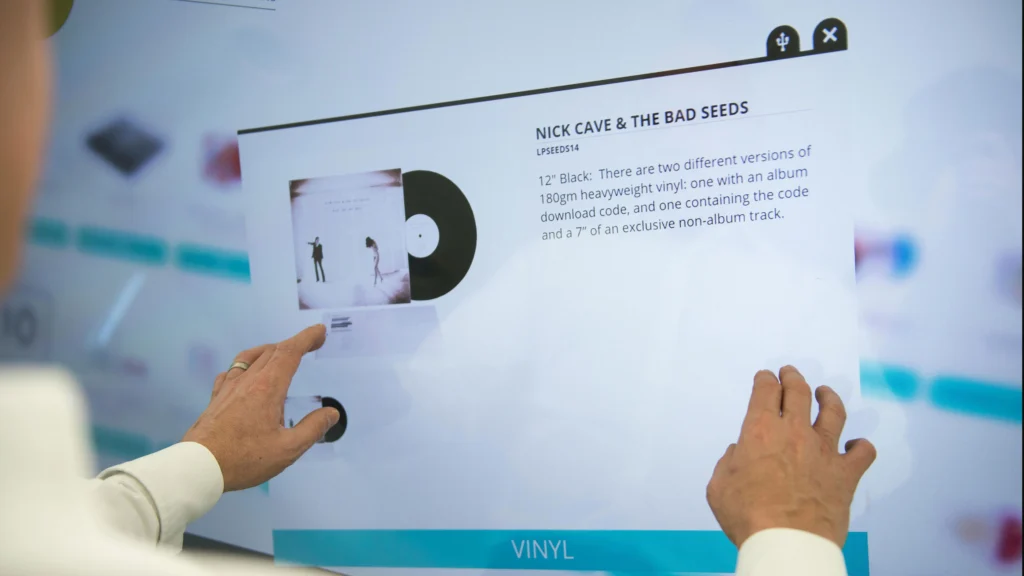
In interactive displays, touch technology is not a secondary feature—it is the defining layer that transforms a screen into a collaborative teaching tool. While screen resolution and processing power influence performance, the quality of touch interaction ultimately determines writing smoothness, response accuracy, and user experience in the classroom.
Understanding how an interactive display is structured as a complete system also helps clarify how the touch layer integrates with computing and display components.
👉 What Is an Interactive Display? 3 Key Types, Functionality, and Deployment Best Practices
Different touch technologies operate on fundamentally different detection principles. These variations directly affect latency, precision, maintenance requirements, and cost structure. For schools and procurement teams, understanding how each system works is essential for selecting a display that matches instructional needs rather than relying solely on marketing specifications.
This guide explains the core touch technologies used in modern interactive displays, compares their performance characteristics, and provides practical recommendations for educational deployment.
The Role of Touch in Interactive Displays

From Display Device to Interactive Platform
A traditional display simply outputs visual content. An interactive display, however, integrates a sensing layer that continuously detects user input across the surface of the panel. This sensing system allows teachers and students to write, annotate, zoom, rotate, and manipulate content in real time.
Without a reliable touch layer, even the most powerful computing architecture cannot deliver an effective interactive experience. Whether the system runs built-in Android or an OPS module, touch responsiveness determines how natural the interface feels during instruction.
Key Performance Indicators of Touch Systems
When evaluating touch technology in interactive displays, performance should be assessed beyond advertised multi-touch numbers. Several technical factors shape real-world usability.
Touch accuracy determines how precisely the system maps finger or stylus input to screen coordinates. Inaccurate calibration can result in visible offset during writing or annotation.
Response time, often measured in milliseconds, affects perceived latency. Lower latency produces smoother digital handwriting and reduces cognitive friction for teachers.
Multi-touch capability influences collaborative learning. While many displays claim 20 or 40 touch points, practical teaching scenarios rarely exceed five simultaneous users. Stability under multi-user conditions is more important than raw numbers.
Palm rejection and object recognition algorithms further differentiate systems, especially during writing sessions where unintended contact may occur.
Infrared (IR) Touch Technology
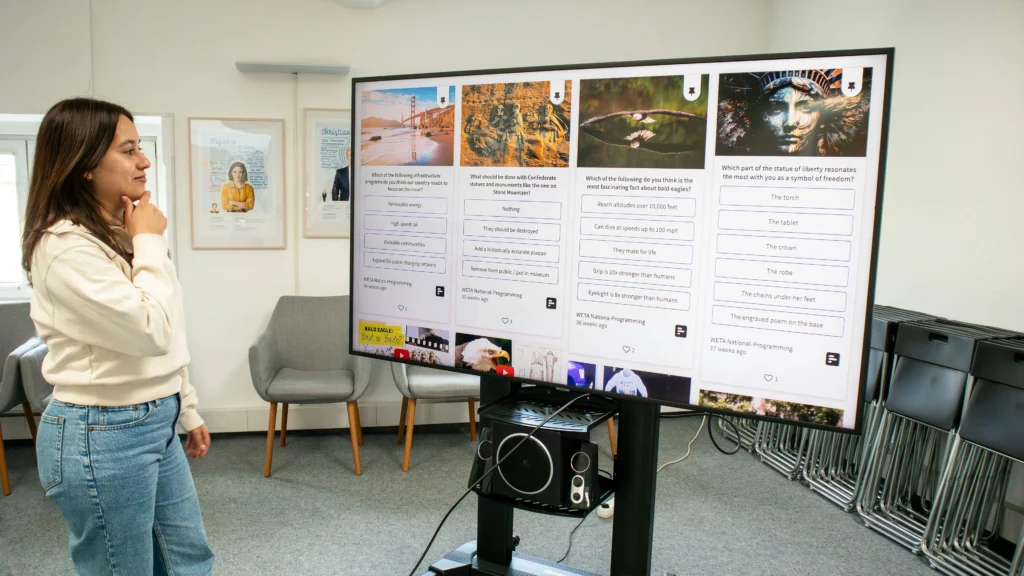
How Infrared Touch Works
Infrared (IR) touch technology is the most widely adopted solution in large-format interactive displays. It operates using a grid of infrared emitters and receivers embedded along the frame of the panel.
These components create an invisible infrared light matrix across the screen surface. When a finger, stylus, or object interrupts the light beams, the system calculates the touch position based on the blocked signals. The controller then converts this interruption into coordinate data.
Because the sensing mechanism resides in the frame rather than within the glass itself, IR technology scales efficiently to large display sizes.
Strengths of Infrared Touch
Infrared systems are particularly suitable for education environments where large screen sizes—75 inches, 86 inches, or even larger—are common. The cost structure remains manageable even as panel size increases.
IR technology supports multi-touch interaction and does not require conductive input. This means fingers, passive styluses, or even gloved hands can be detected reliably. In classroom environments where durability and flexibility are priorities, this versatility becomes valuable.
Limitations of Infrared Touch
Despite its practicality, IR technology has structural constraints. Since the emitters and receivers sit in the bezel frame, the design typically results in a slightly thicker border compared to fully integrated touch panels.
External environmental factors such as dust accumulation or physical obstruction along the frame can interfere with beam transmission. While modern controllers compensate for minor interference, long-term maintenance considerations remain relevant in high-usage classrooms.
Precision is generally sufficient for teaching, but high-resolution writing or fine-detail drawing may not feel as natural as advanced capacitive systems.
Capacitive Touch Technology

How Capacitive Touch Works
Capacitive touch technology operates on the principle of electrical conductivity. Beneath the surface glass lies a transparent conductive layer that stores electrical charge. When a conductive object—typically a human finger—touches the surface, it alters the local electrostatic field.
The controller detects this change and calculates the precise touch coordinates. Unlike infrared systems that rely on beam interruption, capacitive systems detect direct electrical interaction with the panel surface. This structural difference allows for higher positional accuracy and smoother tracking of continuous motion.
Because the sensing layer is integrated directly into the glass structure, capacitive displays often feature slimmer bezels and a more seamless surface appearance.
Strengths of Capacitive Touch
Capacitive touch systems are known for high precision and low latency. In writing-intensive scenarios, such as mathematical derivations, detailed diagram drawing, or design applications, capacitive panels typically produce a more natural handwriting experience.
The absence of frame-based emitters reduces external interference risk. Since detection occurs within the glass substrate itself, dust or minor physical obstructions around the bezel do not impact sensing performance.
For institutions deploying interactive displays in advanced teaching environments—such as engineering labs or digital media classrooms—capacitive technology offers enhanced fluidity and control.
Limitations of Capacitive Touch
The primary limitation of capacitive technology is cost scalability. As display size increases, manufacturing complexity and material cost rise significantly. This makes large-format capacitive panels more expensive compared to IR-based solutions.
Capacitive systems also rely on conductive input. While modern controllers can accommodate passive styluses and certain gloves, compatibility is more restrictive compared to infrared detection.
For large-scale school deployments where budget efficiency is critical, this cost-performance ratio becomes a central decision factor.
Optical Bonding and Advanced Touch Integration
Touch performance is not determined solely by sensing technology. The structural integration between the protective glass and the LCD panel also plays a major role in writing accuracy and visual clarity.
What Is Optical Bonding?
Optical bonding refers to the process of laminating the protective cover glass directly to the LCD panel using a transparent adhesive layer. This eliminates the air gap commonly found in non-bonded displays.
By removing this gap, light refraction is reduced and parallax—the visible offset between the touch point and the displayed content—is minimized.
Why Optical Bonding Enhances Touch Experience
In interactive teaching scenarios, parallax directly affects perceived writing accuracy. When teachers annotate content, even slight visual separation between touch surface and pixel layer can reduce precision.
Optical bonding improves alignment, enhances contrast, reduces internal reflections, and increases structural durability. Although it increases manufacturing cost, it significantly elevates writing smoothness and overall display clarity.
For premium educational deployments, optical bonding combined with advanced touch controllers provides the most refined user experience.
Comparing Touch Technologies in Interactive Displays
Below is a simplified comparison framework to support procurement evaluation:
| Feature | Infrared (IR) Touch | Capacitive Touch |
|---|---|---|
| Detection Method | Beam interruption | Electrostatic field change |
| Scalability for Large Panels | Excellent | Higher cost at large sizes |
| Writing Precision | Good | Very High |
| Multi-touch Capability | Yes | Yes |
| Environmental Sensitivity | Frame-dependent | Minimal |
| Cost Efficiency | Strong | Moderate to High |
This comparison illustrates that neither technology is universally superior. Selection should align with classroom objectives, budget parameters, and long-term usage intensity.
Choosing the Right Touch Technology for Schools
Selecting the appropriate touch technology requires aligning performance expectations with educational context.
For general classroom teaching, where annotation, multimedia playback, and occasional multi-user interaction are primary activities, infrared technology typically delivers sufficient reliability and cost efficiency.
In advanced academic settings—such as STEM labs, design programs, or hybrid learning environments where precision and responsiveness are critical—capacitive systems offer measurable advantages.
When evaluating complete system architecture, touch technology should also be considered alongside computing platform decisions.
👉 OPS vs Built-in Android: What Powers Interactive Displays
Procurement Considerations Beyond Marketing Claims
Marketing materials often emphasize high multi-touch numbers or ultra-fast response claims. However, procurement teams should focus on measurable and practical indicators.
Key evaluation factors include:
- Real writing latency under classroom conditions
- Controller processing stability
- Calibration consistency across panel size
- Durability of the protective glass layer
Large-scale deployments should request demonstration units or pilot testing before full rollout. Long-term maintenance requirements and firmware support availability are equally important as initial specifications.
For institutions comparing overall classroom technology strategies, broader system integration considerations may also apply.
👉 Interactive Display vs Projector: Real-World Classroom Comparison
Strategic Conclusion
Touch technology defines the core user experience of interactive displays. While processing power and display resolution support performance, the touch layer determines how natural, responsive, and reliable the system feels during instruction.
Infrared technology remains the dominant choice for cost-effective, large-format classroom deployments. Capacitive systems deliver superior precision and fluidity for high-demand academic environments. Optical bonding further enhances clarity and writing accuracy, especially in premium installations.
Ultimately, the correct decision depends on institutional teaching requirements, budget allocation, and long-term infrastructure strategy. A careful evaluation of touch architecture ensures that interactive displays serve not just as visual tools, but as fully responsive educational platforms.