
Table of Contents
Introduction
When schools and educational institutions plan a classroom technology upgrade, a common debate arises between installing an Interactive Display or a Projector. Both options offer distinct advantages, but their suitability depends on room size, teaching style, student engagement goals, and long-term maintenance considerations.
This article builds on the foundation established in “What Is an Interactive Display? 3 Key Types, Functionality, and Deployment Best Practices”, providing a practical comparison in real-world classroom scenarios. By understanding the technical differences, interactive capabilities, and deployment requirements of each option, decision-makers can choose the solution that maximizes learning outcomes while minimizing complexity and cost.
Understanding the Technology

How Interactive Displays Work
Interactive Displays, often referred to as smart boards or digital panels, integrate a high-resolution display with touch-sensitive surfaces and embedded computing capabilities. Unlike traditional displays, these devices allow multiple users to interact simultaneously, annotate content, and run specialized educational software. Their core advantage lies in combining visual clarity, responsive touch input, and seamless connectivity with other classroom systems such as lecture capture, AV routing, and BYOM (Bring Your Own Meeting) setups.
Beyond the display itself, Interactive Displays often embed operating systems or OPS modules, enabling teachers to run lesson plans directly from the panel or connect to external content sources. For educators and procurement teams, understanding these integrated components is essential, as they directly influence the deployment process, compatibility with existing hardware, and potential future upgrades.
How Projectors Work
Projectors, by contrast, rely on optical projection technology to cast images onto screens or walls. Modern projectors come in various types, including short-throw and ultra-short-throw models, which allow installation closer to the display surface and reduce shadows cast by instructors. Projectors are valued for their ability to create large, immersive images in classrooms, especially when paired with quality screens and sound systems.
However, projectors typically require additional components such as external speakers, document cameras, and ceiling or wall mounts. Ambient light, ceiling height, and seating arrangements significantly affect image quality, and careful planning is needed to ensure that all students can clearly see projected content.
Both Interactive Displays and projectors serve as central visual hubs, but their underlying technology, user interaction methods, and integration with classroom AV systems differ substantially, shaping the overall learning experience.
Real-World Classroom Comparison

Visual Experience
In practical classroom environments, Interactive Displays provide high-resolution images with consistent brightness across the screen. Teachers can annotate directly, switch between multiple applications, and leverage collaborative tools without needing additional projection equipment. This immediate interactivity is particularly valuable for small to medium classrooms where students can clearly see and engage with the screen from any seat.
Projectors excel in generating large visuals, making them suitable for larger rooms or auditoriums. However, image quality is affected by ambient light, distance from the screen, and projector lumen output. In rooms with significant natural light, projectors often require blinds or high-lumen models to maintain clarity, while Interactive Displays maintain consistent visibility regardless of lighting conditions.
Audio & Interaction
Interactive Displays often include built-in speakers and can integrate seamlessly with classroom microphones, making audio deployment straightforward. They support touch, stylus input, and multi-user interaction, fostering collaborative exercises and real-time feedback.
Projector-based setups, however, rely on external audio solutions. Ceiling speakers, boundary microphones, and mixing equipment are needed to ensure uniform sound coverage, particularly in larger classrooms. Interactive engagement often requires additional tools such as tablets or clickers, whereas Interactive Displays centralize these functions in a single device.
Space & Installation Considerations
Classroom Size and Layout
When choosing between an Interactive Display and a Projector, the physical dimensions of the classroom are a primary factor. Interactive Displays are ideal for small to medium-sized classrooms, where students sit within close proximity to the screen. Their fixed mounting height and touch-enabled surface make them easy to integrate without obstructing sightlines.
Projectors, in contrast, are better suited for larger rooms or auditoriums. Ultra-short-throw models allow installation closer to the wall, reducing shadows cast by instructors, while standard throw projectors require careful distance calculations to achieve a sufficiently large image. Classroom furniture, ceiling height, and seating arrangement must all be considered to ensure every student has a clear view of the content.
Installation Complexity
Interactive Displays generally simplify the deployment process. Most units are mounted on walls or mobile stands and require only power and network connections. The embedded computing modules reduce the need for additional devices, making setup more straightforward for school IT staff.
Projector installations can be more complex. Ceiling mounting, screen alignment, lens calibration, and cabling for audio and video add layers of technical effort. In hybrid classrooms, connecting projectors to lecture capture systems or AV control panels requires careful signal routing and compatibility verification. For decision-makers, weighing installation time and technical support requirements is critical to a successful deployment.
Cost, Maintenance, and Longevity
Upfront and Total Cost of Ownership
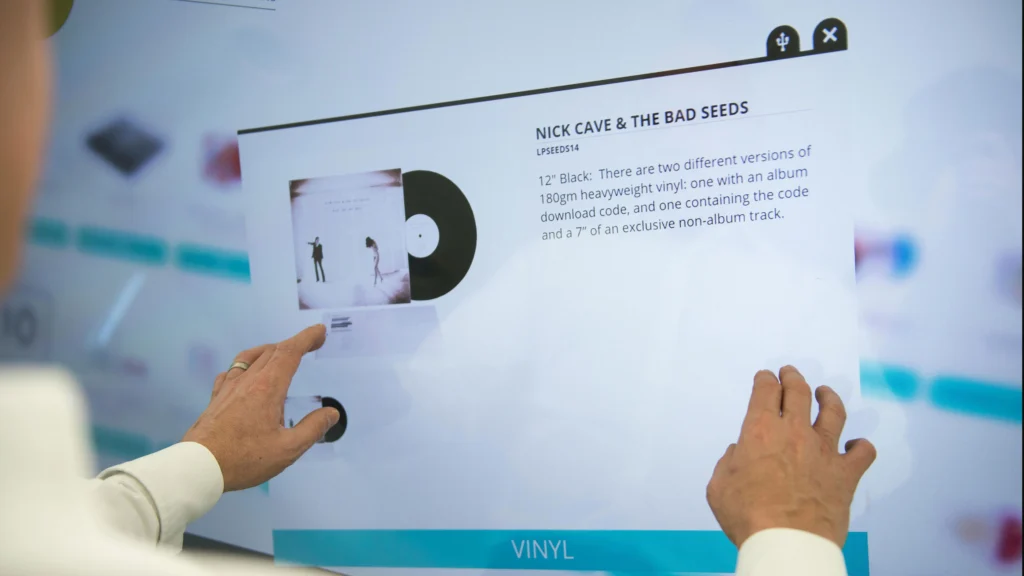
While Interactive Displays often come with higher upfront costs, they consolidate multiple functions—display, touch input, and basic computing—into a single device. This can reduce the need for additional peripherals such as external computers, tablets, or annotation devices, effectively lowering the total cost of ownership over time.
Projectors tend to have lower initial purchase prices, but additional equipment, replacement lamps, mounting hardware, and external speakers can quickly add to the overall cost. For larger rooms, multiple projectors may be required, further increasing investment.
Maintenance Considerations
Interactive Displays require minimal routine maintenance beyond cleaning the touch surface and ensuring software updates are applied. They are less susceptible to alignment issues, lamp burnout, or dust accumulation.
Projectors demand more active upkeep. Lamp life, filter cleaning, and recalibration must be monitored regularly to maintain image quality. Ambient environmental factors, such as heat, dust, and light exposure, can affect performance and lifespan.
Longevity and Upgrade Potential
Interactive Displays with embedded computing modules offer software-based upgrades, allowing schools to add functionality over time without replacing hardware. Modular OPS slots further extend longevity, supporting future classroom applications.
Projectors may offer long-term image quality if maintained carefully, but their hardware limitations and lamp replacement requirements often shorten effective life cycles compared to modern interactive panels. Strategic planning for replacement and scalability is essential when considering projector deployments in hybrid or tech-forward classrooms.
Making the Right Choice for Your Classroom
Matching Technology to Pedagogical Needs
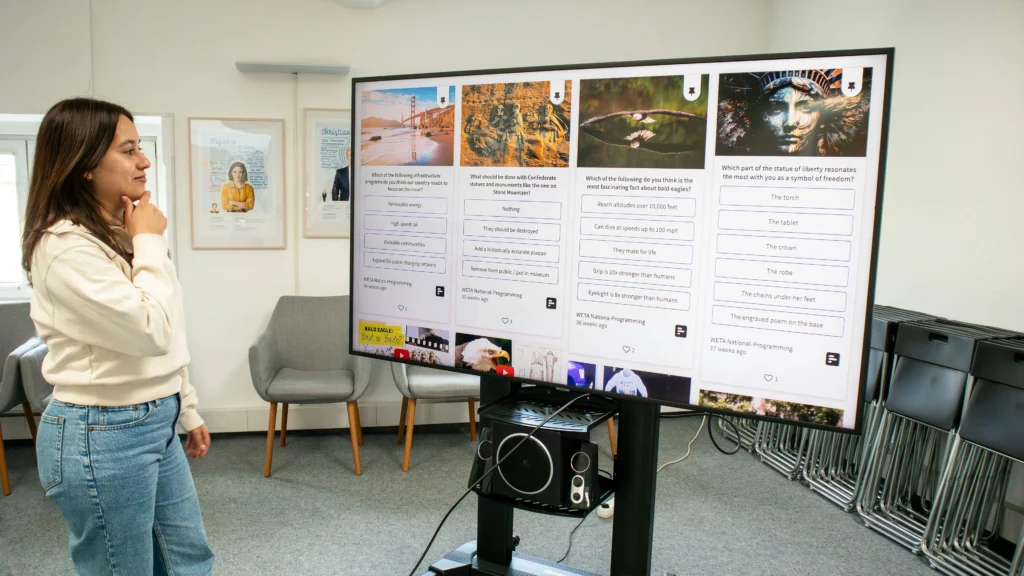
Selecting between an Interactive Display and a Projector ultimately comes down to how the classroom will be used. For classrooms emphasizing active student participation, annotations, and real-time feedback, an Interactive Display provides the tactile and visual tools that encourage engagement. Its touch and multi-user capabilities support collaborative exercises, breakout activities, and hybrid learning setups with lecture capture.
For larger spaces, auditoriums, or classrooms primarily used for presentations rather than interactive sessions, a projector may be more appropriate. High-lumen projectors can deliver large, bright images for every student while integrating with multi-camera setups for recording lectures or streaming to remote participants. Understanding these usage scenarios ensures that technology aligns with teaching goals rather than simply fulfilling a budget requirement.
Hybrid Learning and Integration Considerations
Both Interactive Displays and projectors must integrate with AV systems, classroom control panels, and hybrid learning tools. Decision-makers should evaluate network connectivity, device compatibility, and software ecosystems when choosing technology. An Interactive Display often provides simpler integration due to its embedded computing module and preconfigured software, whereas projectors may require additional hardware or signal routing. Linking to previous guides, such as “What Is an Interactive Display? 3 Key Types, Functionality, and Deployment Best Practices” and “Smart Classroom Components: Complete Guide to AV, Control & Infrastructure Systems”, helps procurement teams understand how each option fits into the larger classroom technology ecosystem.
Conclusion & Best Practices of Interactive Display vs Projector
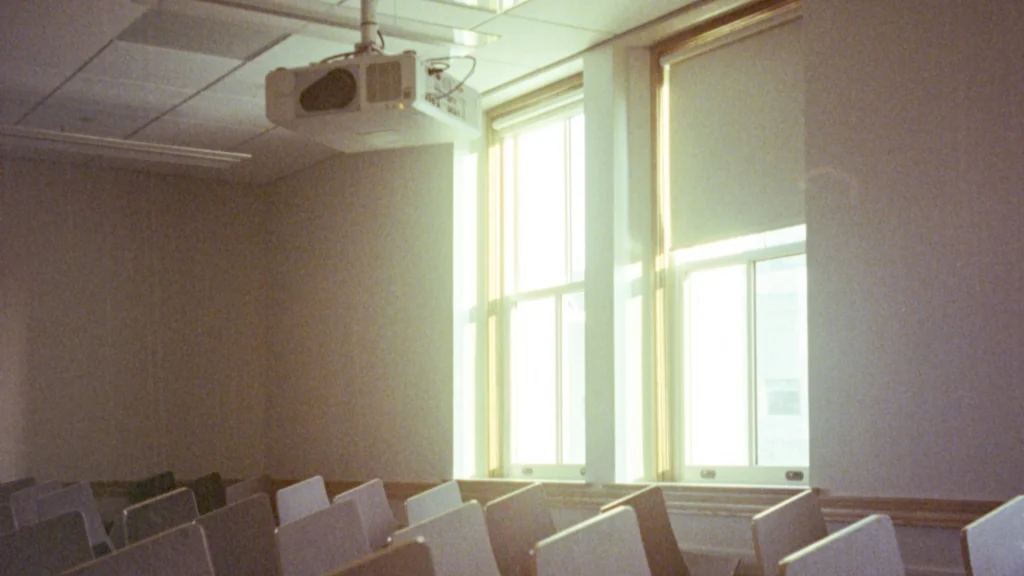
In summary, both Interactive Displays and projectors have distinct advantages and trade-offs. Interactive Displays excel in engagement, collaborative learning, and simplified installation, making them ideal for standard and hybrid classrooms focused on interaction. Projectors offer flexibility for larger spaces, high-impact visual presentations, and multi-camera lecture capture setups.
By understanding the key differences and practical considerations, educators and school administrators can confidently select the technology that maximizes teaching effectiveness, student engagement, and overall classroom productivity.