Start with the room, not the brightness setting. If students cannot read a classroom display, check where daylight lands, which lamps reflect in the screen, and what the lesson actually contains. A bright panel can still mirror a window. A projector can produce a sharp image that looks pale because room light reaches the screen. Those are different faults and need different fixes.
Inspect the room from occupied seats before changing equipment. The teacher’s position beside the screen is rarely the most demanding viewpoint. A useful lighting plan preserves enough light for writing and movement while keeping distracting reflections and direct illumination away from the teaching image.
Separate reflected light from a washed-out image
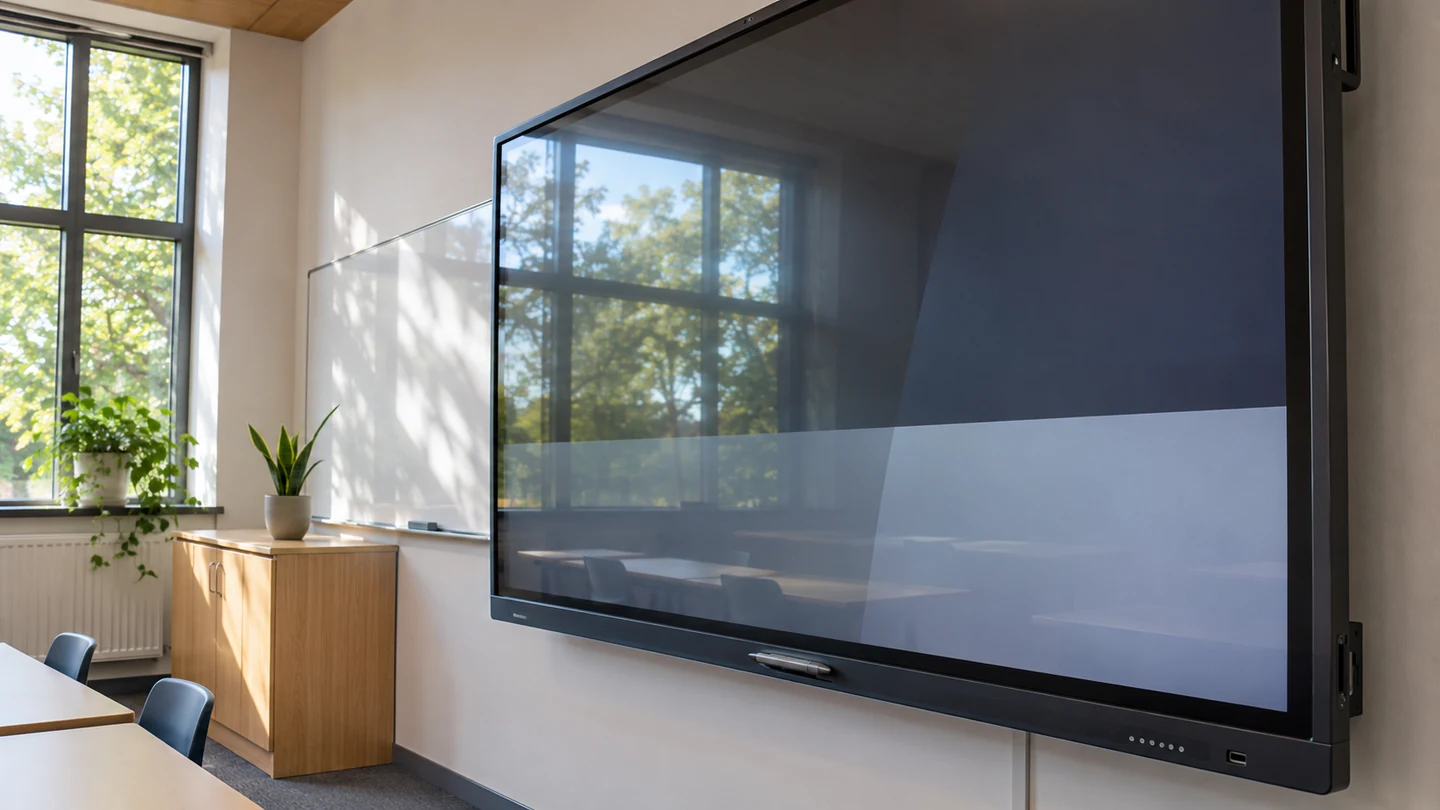
A flat panel produces its own light. Ambient illumination changes how easily viewers distinguish its content, while reflections can place an image of the room over that content. A student may see a bright ceiling fixture precisely where a diagram’s labels appear. Turning up the panel may help some content without removing that reflected fixture.
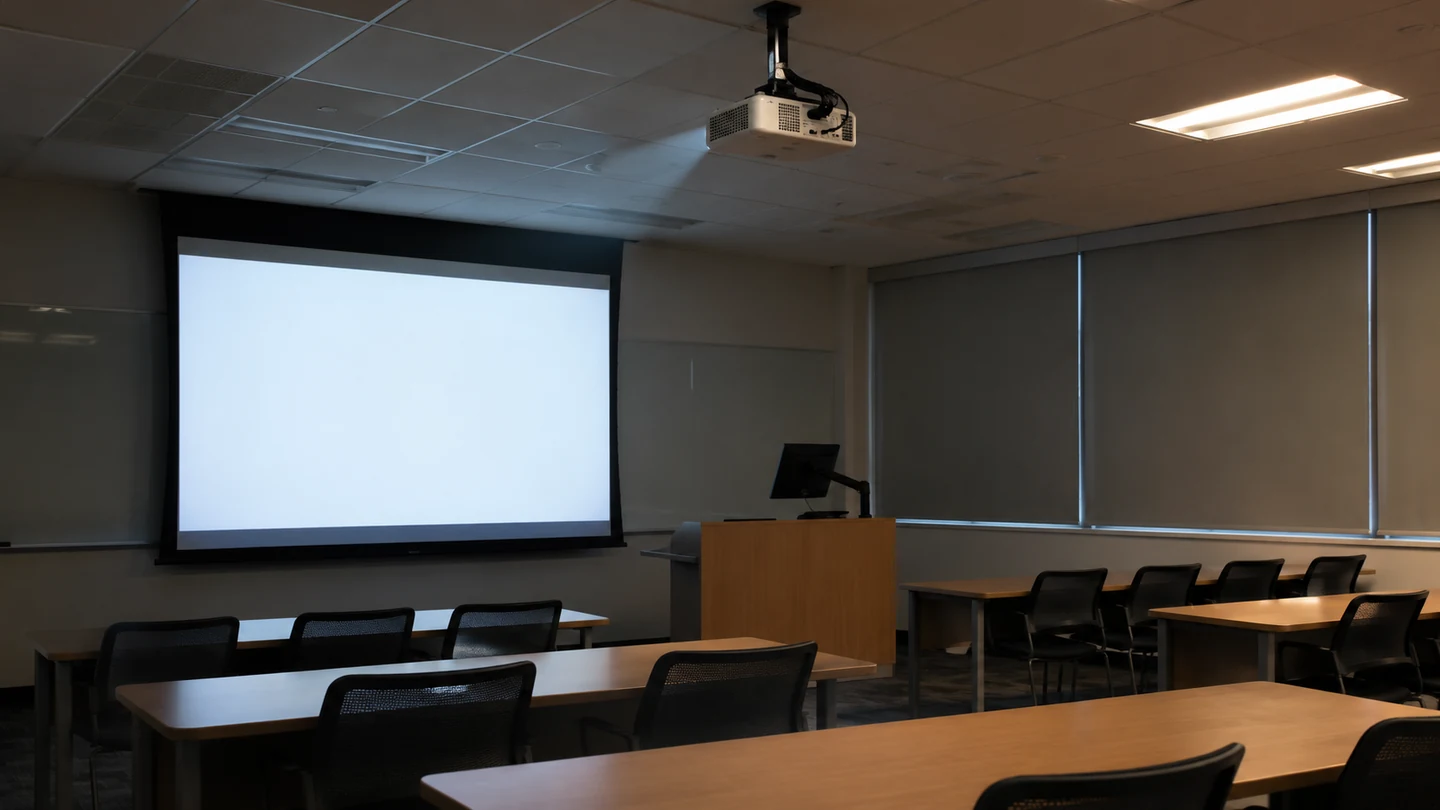
A projection screen reflects the projector’s light toward the audience. Room light arriving at the same surface also returns toward viewers and makes dark areas look lighter. Increasing projector output can improve the result, but it does not restore dark areas to the appearance they have in a controlled room. Start by identifying which lights actually strike the screen.
Use ordinary teaching material during this check. A full-screen photograph can look acceptable even when small spreadsheet labels are difficult to distinguish. Include dark text, pale diagram lines, a typical slide, and a paused lesson video. If the problem persists with good lighting, investigate the separate issue of screen size and classroom viewing distance.
Walk the seats at the right time
Visit the front corner, back corner, center, and any side seating used during group work. Stay at seated eye height. A reflection that disappears when someone stands may remain directly in a student’s line of sight throughout the lesson. Check the screen’s lower area as well as its center, especially when diagrams or captions appear there.
Record the time and the room conditions. A morning inspection does not describe an afternoon room with direct sun through a different window. Where possible, repeat the check during the teaching periods that generate complaints. A simple room sketch showing problem seats and bright surfaces is more useful than a note saying only that the display is dim.
Keep content and settings consistent while comparing conditions. If one test uses large black text and another uses a dark video, the results will be hard to interpret. Change one condition at a time: shades, a lighting zone, or the display setting. Note whether the improvement applies across the room or only to one seat.
Use shades as a teaching control
Adjustable shades are useful because daylight changes. The aim is usually to interrupt the bright path that causes trouble rather than make the room completely dark. Lower the shade on the problem window and check both the display and the desks. Students should still be able to take notes and see the room comfortably.
Treat the shade position as part of the room’s operating routine. If a teacher needs several minutes to work out which blind affects the screen, the adjustment is unlikely to happen consistently. A brief room instruction can identify the window group and a practical starting position without promising that one setting suits every season.
Discuss permanent changes with facilities. A temporary covering may interfere with ventilation, maintenance, or the intended use of the window. If a shade is broken, record that fault separately from the display complaint. Otherwise a new panel may be purchased to compensate for a room defect that remains unresolved.
Make overhead lighting selective
In a projection room, try reducing the light closest to the screen while retaining useful illumination over student desks. This is easier when the lighting already has separate zones. Ask facilities which controls serve which fixtures; do not assume that every switch corresponds to a neat row. Record a repeatable setting that staff can use.
For interactive panels, look for fixtures reflected in the glass rather than simply switching off every front light. A fixture that does not illuminate the screen directly may still appear as a bright reflection from particular seats. Changing a luminaire’s direction or distribution is a facilities decision, but documenting the exact reflection gives that discussion a clear purpose.
Avoid solving one teaching problem by creating another. A dark front wall may improve projection but make handwritten work beside the screen harder to see. Check the whiteboard, document camera desk, and controls during the same walkthrough. The preferred setting should support the tasks used in that room, not merely a demonstration slide.
Adjust equipment within its intended use
After room changes, set the display to a sensible classroom picture mode and compare normal content again. Extremely vivid processing can make colors look stronger without improving fine detail. Automatic brightness behavior can also change the image during a lesson, so confirm how the chosen setting behaves as daylight varies.
For projectors, distinguish lighting problems from setup problems. Focus, image alignment, source settings, and the projection surface all deserve inspection, but they should not be changed randomly during a lighting test. Use the separate projector calibration guidance when the image itself needs adjustment, then return to the same room-lighting comparison.
Do not tilt a wall-mounted display or alter a projector bracket casually to escape glare. Position changes can affect viewing, touch use, alignment, and mounting loads. Have the installer assess any adjustment against the equipment instructions. A small apparent improvement from one seat may make the opposite side worse.
Decide whether brighter equipment is justified
A replacement becomes easier to justify when the room-side controls are working and the remaining limitation is clear. For example, a teaching space may need substantial daylight for activities that cannot reasonably take place under lowered shades. Document which lesson material remains difficult and where students sit before comparing equipment.
Judge a candidate in conditions resembling the room. A showroom with controlled lighting cannot demonstrate performance beside the school’s windows. Ask to view the same lesson files at the intended size and from representative seats. Compare normal settings, not only the brightest demonstration mode, and consider whether the result is comfortable for sustained use.
A short-throw projector changes the projection geometry and can reduce some presenter shadow problems. It does not prevent ambient light from reaching the screen. Likewise, moving from projection to a panel changes the room’s image behavior but may introduce glass reflections. The broader display-versus-projector comparison helps frame that choice without treating brightness as the only criterion.
Leave a repeatable room setup
Finish with a short operating note: which shade group to adjust, which lighting zone to use, the selected picture mode, and a sample file for checking readability. Keep the instructions close to the actual controls. Include a description of the conditions that require a different setting, such as direct afternoon sun.
Before closing the issue, ask a teacher to set up the room using those instructions and inspect the difficult seats again. Record unresolved reflections or daylight limits as specific findings. The useful outcome is a classroom that staff can prepare consistently, with enough evidence to guide a later equipment decision if the room still falls short.
Try a lesson transition as well as a static slide. Switch from a bright page to a dark video and back while someone watches from the problem seat. If the reflection becomes distracting only during one type of content, record that distinction. It can explain why staff report inconsistent results from the same room and helps avoid an equipment change based on an incomplete demonstration.