
Table of Contents
Introduction

In modern smart classrooms, AV systems are the backbone of interactive learning. From projectors and interactive displays to audio amplification and digital podiums, the technology requires extensive cabling. Without proper AV cable management, classrooms can quickly become a maze of tangled wires, leading to degraded signal quality, safety hazards, and maintenance headaches.
Proper cable organization ensures that signals remain clean, devices are easily accessible, and maintenance tasks are streamlined. A well-managed AV installation not only improves operational efficiency but also prolongs equipment lifespan and reduces unexpected costs.
Why AV Cable Management Matters
- Signal Integrity: Poorly routed cables can pick up interference from power lines or other electronics, leading to audio buzz, video flicker, or network instability.
- Safety: Loose cables across floors or behind equipment can cause tripping hazards and accidental disconnections.
- Maintenance Efficiency: When devices need repair or upgrades, clearly labeled and organized cables drastically reduce downtime.
Common Cable Management Mistakes
Even experienced AV technicians can fall into pitfalls that compromise classroom performance. Awareness of these mistakes helps prevent recurring problems.
Overcrowded Cable Trays
Many installations place all cables into a single tray or conduit, regardless of type or purpose. Overcrowding leads to heat buildup, physical wear on cables, and difficult troubleshooting later.
Loose Cables Under Desks
Under-desk installations often become chaotic, with power, network, and AV cables crossing each other. This not only looks unprofessional but increases wear on connectors.
Mixing Power and Signal Cables
Running AC power cables alongside low-voltage signal cables without separation can introduce electromagnetic interference (EMI), affecting audio clarity and video quality.
Planning Your AV Cable Layout
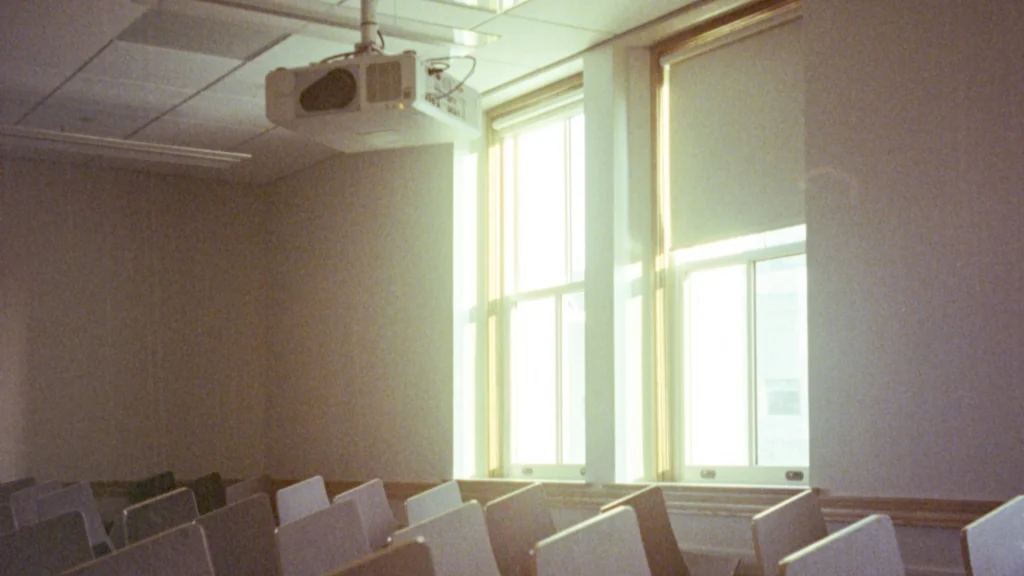
Proper planning is the first step toward a clean and functional installation.
Assess Classroom Size and AV Devices
Before routing any cable, map out where each device will sit. Consider interactive displays, projectors, speakers, microphones, and podiums. Larger classrooms may require longer cable runs and additional management infrastructure like overhead trays or wall channels.
Segregating Cable Types
Separate cable types by function:
- Power – AC lines supplying displays, projectors, or amplifiers
- Audio – Microphone, speaker, and amplifier connections
- Video – HDMI, DisplayPort, or VGA
- Network – Ethernet and PoE devices
This segregation minimizes interference and simplifies troubleshooting.
Creating a Cable Map
A detailed cable map should indicate:
- Device type and connection points
- Cable lengths
- Routing method (conduit, raceway, or floor channel)
- Labeling strategy
Cable Type vs Recommended Routing
| Cable Type | Recommended Routing | Notes |
|---|---|---|
| HDMI | Wall-mounted raceway or conduit | Avoid tight bends to prevent signal loss |
| Power AC | Separate conduit or cable tray | Maintain distance from signal cables |
| Ethernet | Cable tray or floor channel | Use shielded cables near power lines |
| Audio XLR | Suspended raceway | Minimize cross with power lines to reduce hum |
Cable Management Tools and Techniques
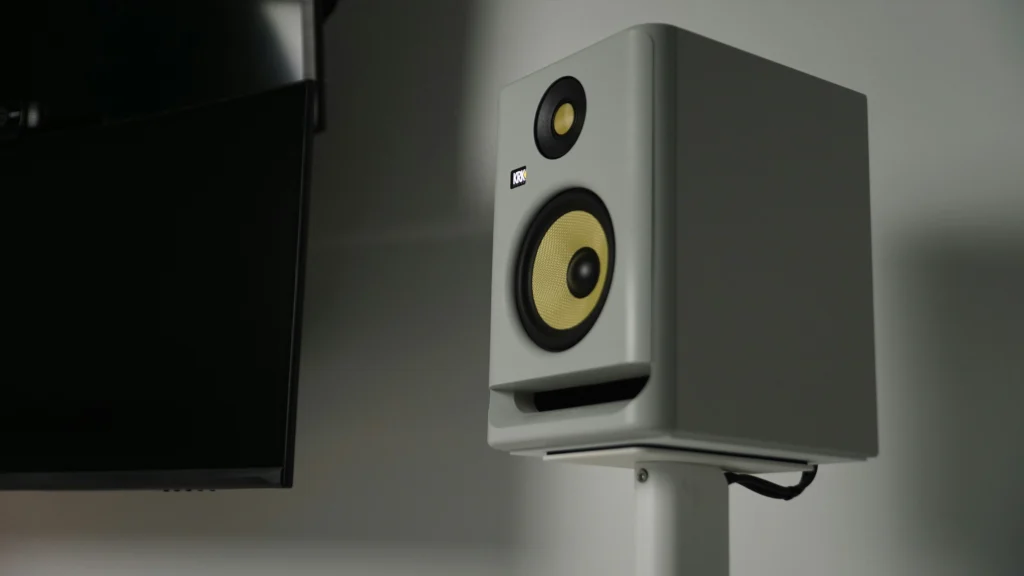
Investing in the right tools and techniques improves both aesthetics and functionality.
Trays, Conduits, and Raceways
Overhead trays and wall-mounted conduits provide organized paths for cables while keeping them accessible. Raceways along walls or under floors are particularly useful in classrooms with multiple AV endpoints.
Cable Ties, Velcro Straps, and Labels
Velcro straps are preferable over plastic ties because they can be reused and don’t crush cables. Label each cable at both ends for fast identification during maintenance or troubleshooting.
Wall-Mounted and Floor Channel Systems
These systems keep cables hidden yet accessible. Floor channels are essential for long classroom runs, particularly in spaces where students or teachers walk frequently.
Installation Best Practices
Proper installation ensures long-term reliability and reduces troubleshooting needs.
Routing Strategies for Minimal Interference
- Maintain separation between power and signal cables
- Avoid tight bends or compression points
- Use smooth conduits to prevent abrasion
Accessibility for Maintenance
Cables should remain reachable for routine checks or upgrades without dismantling walls or furniture. Color-coded labels help maintenance staff identify critical lines quickly.
Testing and Verification
After installation:
- Verify signal integrity (audio/video)
- Check network performance for latency or packet loss
- Confirm all endpoints function correctly
Common Cable Problems and Solutions
| Problem | Cause | Recommended Action |
|---|---|---|
| Audio hum | Power and audio cables crossing | Re-route or shield cables |
| Video flicker | Loose HDMI connection | Tighten or replace cable |
| Network dropouts | Long cable run without proper shielding | Use CAT6 shielded cable |
| Tripping hazard | Cables on floor | Install floor raceway |
Advanced Cable Management Techniques
After basic installation, classrooms benefit from advanced strategies that improve reliability and reduce maintenance overhead.
Color-Coding for Quick Identification
Color-coded cables help technicians instantly identify functionality:
- Red → Power
- Blue → Network
- Green → Audio
- Yellow → Video
This approach reduces troubleshooting time and avoids accidental disconnections.
Bundling by Device Function
Instead of bundling all cables together, group cables by their connected device or system. For example:
- Projector bundle: HDMI + power + USB
- Audio bundle: Microphone + speaker line + DSP connection
This allows easier upgrades or replacement of specific systems without affecting others.
Cable Slack Management
Leaving too much slack can create tangles; too little can stress connectors. Optimal slack management involves:
- Coiling extra length neatly inside wall-mounted boxes
- Avoiding sharp bends
- Using Velcro straps to secure loops
AV Maintenance Considerations for Cables
Cables are often overlooked in routine AV maintenance. Yet, monitoring them prevents performance degradation.
Regular Inspection Schedule
Technicians should check:
- Physical condition (cracks, wear, insulation damage)
- Connector integrity (tightness, corrosion)
- Cable routing stability (no sagging or compression)
Testing Signal Quality
Use testing tools to verify:
- Video signals (HDMI, DisplayPort) for interference or flicker
- Audio signals for hum, static, or attenuation
- Ethernet lines for packet loss or latency
Cable Maintenance Checklist
| Cable Type | Check Frequency | Key Inspection Points |
|---|---|---|
| HDMI | Quarterly | Connector integrity, signal test |
| Audio XLR | Monthly | Cable wear, interference, gain test |
| Network | Quarterly | Latency, packet loss, shielding |
| Power AC | Monthly | Voltage stability, insulation, strain relief |
Common AV Cable Issues and Solutions
Even with careful planning, problems can arise over time. Addressing these proactively avoids classroom downtime.
Signal Degradation
Long or poorly shielded cables can cause video or audio dropouts. Solution: Use high-quality shielded cables and keep runs within recommended lengths.
Loose Connections
Frequent movement around podiums, displays, or microphones may loosen connectors. Periodic verification ensures consistent performance.
Interference from Electrical Devices
Cables running near fluorescent lights, motors, or AC lines may pick up EMI. Re-routing, shielding, or using ferrite cores reduces noise.
Classroom Audio Optimization: Practical Tips to Improve Sound Quality in Modern Classrooms
Planning for Future Upgrades
Smart classrooms evolve. Planning cable routes with future expansion in mind prevents costly rewiring.
Extra Conduits and Pathways
Install empty conduits alongside existing cables for potential future devices. This avoids the need to tear down walls or ceilings when adding new technology.
Modular Patch Panels
Centralized patch panels allow new devices to be integrated quickly and efficiently without disturbing existing connections.
Documentation
Maintaining a cable map, labeling, and photos ensures future technicians can understand the current layout and expand safely.
Advanced Troubleshooting Techniques
Even with structured cable management, occasional issues arise. Knowing how to diagnose them quickly saves classroom downtime.
Visual Inspection First
Before testing equipment, visually inspect cable runs for:
- Sharp bends or kinks
- Exposed connectors
- Signs of wear or fraying
Testing Tools for Signal Integrity
Use simple yet effective tools:
- HDMI/DisplayPort testers for video signals
- XLR line testers for audio cables
- Network cable testers for LAN connectivity
EMI Detection
Electromagnetic interference can subtly degrade AV performance. Detect and mitigate by:
- Moving cables away from power lines
- Using shielded cables
- Adding ferrite cores on cables near interference sources
Case Study – Classroom AV Cable Failure
Scenario: A hybrid classroom experienced intermittent audio dropouts during online sessions.
Investigation Findings:
- Audio and network cables were bundled together, running near fluorescent lights.
- Several HDMI connectors were loosely seated.
Solution:
- Re-routed audio cables away from power lines.
- Secured all connectors and added color-coded labels.
- Introduced a quarterly inspection schedule.
Result:
- Immediate improvement in signal stability.
- Reduced teacher complaints about audio dropouts.
Cost and ROI Implications
Proper cable management is not just technical—it’s financial.
Reduced Emergency Repairs
Poorly managed cables lead to accidental disconnections and emergency service calls. Structured management cuts these incidents significantly.
Equipment Longevity
By preventing cable strain, sharp bends, and interference, devices last longer, reducing replacement costs.
Time Efficiency
Technicians spend less time tracing cables during maintenance or upgrades, freeing resources for proactive tasks.
Cable Management ROI
| Benefit | Financial Impact | Operational Impact |
|---|---|---|
| Fewer emergency repairs | Medium savings | Less downtime |
| Equipment longevity | High savings | Reduced replacement frequency |
| Maintenance efficiency | Medium savings | Faster troubleshooting |
| Reduced interference | Indirect savings | Improved audio/video quality |
Final Strategic Recommendations
- Treat cable management as an integral part of classroom AV installation, not an afterthought.
- Implement structured inspection schedules: monthly visual checks, quarterly signal tests.
- Use modular and expandable pathways to accommodate future upgrades.
- Maintain clear documentation, labeling, and color coding.
- Incorporate cable management into staff training programs to sustain best practices.
FAQ – AV Cable Management
How often should AV cables be inspected in classrooms?
Recommended: Monthly for high-use cables, quarterly for stable network and video cables.
Can poor cable management affect teaching performance?
Absolutely. Signal degradation, audio interference, and video flicker can disrupt lessons and hybrid sessions.
Who should be responsible for AV cable management?
Typically IT staff or AV technicians, with teachers performing basic visual checks for loose cables.
What are the best tools for cable management?
Velcro straps, cable raceways, conduits, patch panels, and cable labeling systems.
How does proper cable management improve ROI?
Reduces emergency repair costs, extends equipment lifespan, and minimizes downtime, ensuring classroom technology investments deliver long-term value.
Can cable management prevent hybrid classroom issues?
Yes. Proper routing and separation of audio, video, and network lines reduce interference, improving both in-class and online teaching performance.
What labeling systems work best?
Color-coded heat shrink labels, adhesive tags, or pre-printed cable labels help quickly identify functionality and connected devices.
How do I future-proof my cable installations?
Include empty conduits, leave extra slack for device additions, and plan patch panels for modular expansion.
Is cable management relevant for wireless setups?
Yes. Even wireless devices require power and sometimes network cabling. Organized pathways reduce accidental disruptions and simplify troubleshooting.
How does proper cable management improve student experience?
Consistent AV performance ensures no flickering video, no audio dropouts, and stable network connectivity, keeping lessons smooth and engaging.