Table of Contents
In the world of educational technology, terminology often lags behind innovation. For over two decades, the term “Smart Board” became synonymous with any touch-sensitive surface in a classroom, much like “Xerox” became the universal term for photocopying. however, as we navigate the technological landscape of 2026, the distinction between a traditional Smart Board and a modern Interactive Flat Panel (IFP) has become a critical factor in school procurement and pedagogical success. Understanding the nuances of smart board vs interactive flat panel technology is no longer just a technical exercise; it is a financial and educational necessity.

While both devices aim to increase student engagement through touch-based interaction, they achieve this goal through vastly different engineering paths. The traditional Smart Board was a pioneer of the interactive whiteboard (IWB) era, relying on a combination of a specialized board, a computer, and a projector. In contrast, the Interactive Flat Panel is an all-in-one, self-contained LED display that functions more like a massive, high-performance tablet. Choosing the wrong one can lead to years of maintenance frustration and diminished classroom visibility.
The Legacy Era: Defining the Traditional Smart Board
To understand where we are going, we must understand where we started. The traditional Smart Board, or Interactive Whiteboard, was the first major step away from the chalkboard. These systems usually consist of a large, white, touch-sensitive board mounted on the wall. A projector, typically mounted just above the board (short-throw) or on the ceiling, beams the computer’s image onto the board’s surface. Sensors—either resistive, infrared, or ultrasonic—track the movement of a pen or finger across that surface.
While revolutionary at the time, this setup has several inherent drawbacks that have led to its decline in 2026. Because the system relies on projection, it is highly sensitive to ambient light. Teachers often find themselves dimming the lights or closing the blinds just to make the content legible for students in the back row. Furthermore, the “shadow effect” is a constant struggle; when a teacher stands in front of the board to write, their body inevitably blocks the projector’s beam, casting a shadow over the very area they are trying to highlight.
For a broader look at how these devices fit into the modern “smart” category, it is essential to understand What Is an Interactive Display? and the three key types currently dominating the market.
The New Standard: Understanding the Interactive Flat Panel
The Interactive Flat Panel (IFP) represents the evolution of the classroom display. Unlike the Smart Board, an IFP does not require a projector. It is a high-resolution LED or LCD screen that produces its own light. This single shift in technology solves the two biggest complaints of the IWB era: glare and shadows. Since the light is coming from the screen itself, there are no shadows cast by the teacher, and the brightness levels are high enough to be perfectly visible even in a sun-drenched classroom.
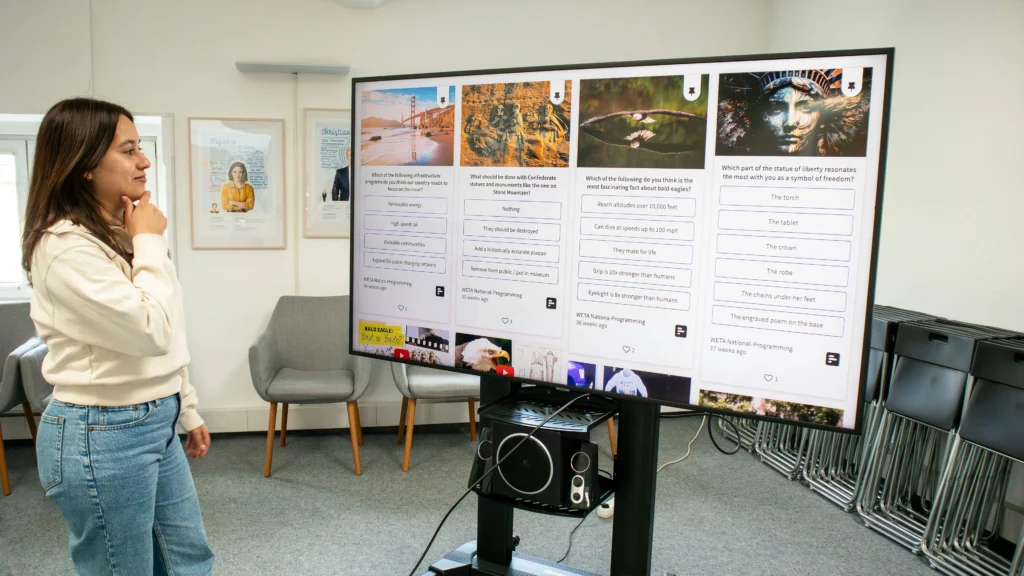
Modern IFPs in 2026 are not just passive screens; they are powerful computing hubs. Most come equipped with built-in operating systems, high-quality speakers, and advanced touch sensors that allow for multiple students to collaborate simultaneously. The “flat panel” aspect also means a much thinner profile on the classroom wall, saving valuable physical space and providing a much cleaner aesthetic.
The transition from projection to flat panels is part of a larger trend in classroom hardware. If you are debating between these two visual formats, a more granular technical breakdown can be found in our comparison of Interactive Display vs Projector.
Visual Clarity and Resolution: 1080p vs. 4K
When comparing smart board vs interactive flat panel systems, the most immediate difference is the “wow factor” of the image quality. Traditional interactive whiteboards are limited by the resolution of the projector, which is often 1080p or even lower (XGA/WXGA). When you blow up a 1080p image to an 80-inch or 100-inch surface, the pixels become visible, making fine text and detailed diagrams difficult to read. This is a significant hurdle in subjects like biology or engineering where visual detail is paramount.
Interactive Flat Panels, on the other hand, have standardized around 4K (Ultra High Definition) resolution. With four times the pixels of 1080p, an 86-inch IFP offers a level of crispness that projection simply cannot match. This high pixel density allows teachers to display complex data, small-font spreadsheets, and high-fidelity video without any loss in clarity. In 2026, where digital content is increasingly designed for high-resolution screens, the “fuzzy” image of an older Smart Board can feel like a step backward for tech-savvy students.
| Feature | Traditional Smart Board (IWB) | Interactive Flat Panel (IFP) |
| Light Source | External Projector | Built-in LED Backlight |
| Resolution | Usually 1080p or less | 4K Ultra HD (Standard) |
| Shadows | Significant (Body blocks beam) | None (Direct view) |
| Brightness | Affected by room light | Visible in any lighting |
Brightness and the “Afternoon Slump”
Brightness is measured in “nits” for flat panels and “lumens” for projectors, and the real-world performance difference is staggering. A typical classroom projector might output 3,000 to 4,000 lumens, but much of that light is lost before it reaches the eyes of the students, especially if the room has large windows. This often leads to the “afternoon slump,” where the sun is at its peak and the lesson on the board becomes nearly invisible.
An Interactive Flat Panel typically offers 350 to 500 nits of brightness. While that number might sound small, because the light is direct and filtered through anti-glare glass, it provides a vivid, high-contrast image regardless of the time of day. Teachers no longer have to choose between a bright, ventilated room and a visible lesson. This consistent visibility is a key reason why school districts are aggressively phasing out older projection-based Smart Boards in favor of IFPs.
The Calibration Headache
Anyone who has used a traditional Smart Board is familiar with the “calibration routine.” Because the board and the projector are two separate pieces of hardware, any slight movement of either device—caused by a heavy door slamming or a student bumping the mount—throws the alignment off. The teacher then has to stop the lesson to “tap the targets” to recalibrate the touch points.
Interactive Flat Panels eliminate this frustration entirely. Since the touch sensors are factory-integrated into the glass of the display itself, there is no “alignment” to lose. The touch point is always exactly where the finger or pen meets the glass. For a teacher managing a classroom of 30 students, removing these small technical interruptions can significantly improve the flow and pace of the lesson. This reliability factor is a cornerstone of any modern Classroom AV Buying Guide.
Total Cost of Ownership: Beyond the Initial Price Tag
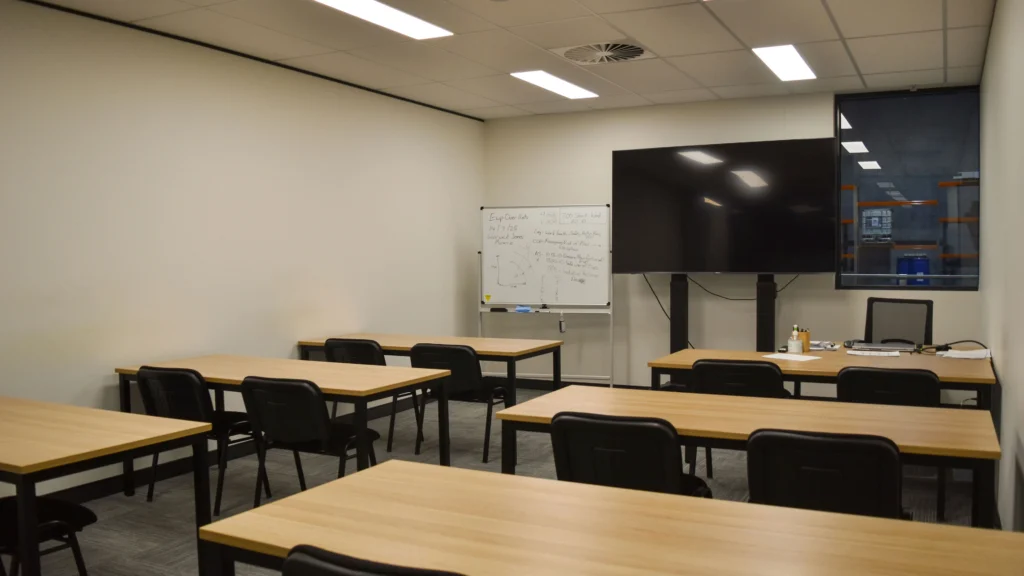
When evaluating smart board vs interactive flat panel solutions, school administrators often focus solely on the upfront purchase price. Historically, a projector-based Smart Board system was the “budget-friendly” entry point. However, in 2026, the industry has shifted its perspective toward Total Cost of Ownership (TCO). A traditional interactive whiteboard system has several “hidden” recurring costs that an IFP simply does not.
The most significant of these is the projector bulb. A standard metal-halide bulb has a lifespan of roughly 2,000 to 4,000 hours. In a typical classroom, this means a bulb replacement every two to three years at a cost of $200 to $400 per unit, plus the labor cost for a technician to climb a ladder and perform the swap. Additionally, projector filters require regular cleaning to prevent overheating, adding a maintenance burden to already stretched IT departments.
Interactive Flat Panels, by contrast, are solid-state devices. They use LED backlighting rated for 50,000 hours or more. This equates to over 15 years of standard classroom use without any “consumable” parts to replace. While the initial investment in an 86-inch IFP might be higher than a projector bundle, the lack of maintenance visits and replacement parts makes it the more fiscally responsible choice over a five-year horizon.
Touch Sensitivity and the Writing Experience
The “feel” of writing on a board is a major factor in teacher adoption. Early Smart Boards used resistive touch—two layers of plastic that had to be pressed together to register a click. This often felt “mushy” and lacked precision. Modern smart board vs interactive flat panel comparisons now center on two primary technologies: Infrared (IR) and Capacitive (PCAP).
Most classroom IFPs use advanced Infrared frames. These create a grid of invisible light beams across the surface of the glass. When a finger or pen breaks that grid, the touch is registered with incredible speed. In 2026, “zero-gap” bonding technology has reduced the physical distance between the protective glass and the LCD panel. This means when a teacher writes, the digital ink appears exactly at the tip of the stylus, eliminating the “parallax error” that plagued older projection boards.
For a technical deep dive into how these sensors work and which one is right for your specific grade level, you should explore Touch Technology in Interactive Displays Explained. Understanding the difference between “fine-tip” styluses and simple finger-touch can help schools choose the right hardware for subjects like art or advanced mathematics.
Software Ecosystems: Walled Gardens vs. Open Platforms
One of the biggest advantages the original Smart Board had was its proprietary software, such as SMART Notebook. These programs were built specifically for teachers and offered a wealth of interactive lesson templates. However, these “walled gardens” often required expensive annual subscription fees and made it difficult to move lessons between different brands of hardware.
The modern Interactive Flat Panel has ushered in the era of the “Open Platform.” Most 2026 IFPs run on a built-in Android OS but offer an OPS (Open Pluggable Specification) slot to run a full Windows PC directly inside the screen. This allows teachers to use the software they are already comfortable with—be it Google Classroom, Microsoft Teams, or web-based interactive tools—without being locked into a single manufacturer’s ecosystem.
This flexibility is a game-changer for IT directors. Standardizing on an open IFP platform means that if a school decides to switch from one brand to another in the future, the teachers don’t have to rebuild their entire curriculum from scratch. It also simplifies the Smart Classroom Hardware Deployment process, as the displays can be managed via standard mobile device management (MDM) software.
The Physical Installation: Aesthetics and Space
The physical footprint of a smart board vs interactive flat panel setup is another area where the modern panel wins on practicality. A traditional interactive whiteboard requires a board on the wall and a projector arm sticking out 3 to 5 feet into the room. This arm is a frequent target for stray basketballs in multi-purpose rooms and can be a head-impact hazard for taller teachers.
An Interactive Flat Panel is a sleek, “all-in-one” unit. It hangs on the wall like a standard television, usually extending only 4 to 5 inches from the surface. This thin profile makes it ideal for smaller classrooms or rooms with low ceilings where a projector arm would be obstructive. Furthermore, because it is self-contained, there is significantly less cabling to hide, reducing the need for expensive electrical work during the installation phase.
| Installation Factor | Traditional Smart Board Bundle | Interactive Flat Panel (IFP) |
| Cabling | HDMI/VGA to Board + Projector + Power | Single Power Cord + Network |
| Wall Footprint | Large (Board + Projector Arm) | Small (Flat Display Only) |
| Noise | Projector Fan Noise | Silent (No mechanical fans) |
| Shadows | High (Teacher blocks beam) | None |
Audio Quality and Integration
The traditional Smart Board is a silent surface. To get sound, schools usually had to buy separate “clip-on” speakers for the board or install a ceiling-mounted audio system. This added another layer of complexity and another point of failure to the classroom AV setup.
Modern Interactive Flat Panels almost always feature integrated front-facing soundbars. In 2026, these built-in speakers have become high-quality enough to fill a standard 30-student classroom with clear audio without the need for external amplification. Some premium models even include integrated microphone arrays for lecture recording or hybrid learning, making the IFP a truly centralized communication hub.
Of course, hardware is only half the battle. Even the best IFP can run into technical glitches if not properly maintained. If you are experiencing issues with a current setup, diagnosing Top Touchscreen Interactive Board Problems can help you determine if a simple firmware update can fix your touch lag or if the hardware is simply past its prime.
Student Engagement and Multi-User Collaboration
When comparing the smart board vs interactive flat panel from a pedagogical perspective, the most significant advancement lies in simultaneous collaboration. Traditional interactive whiteboards often struggled with “ghosting” or touch interference if more than one student tried to write at the same time. This limited the board to a “one-at-a-time” tool, which often left the rest of the class passive and disengaged.
Modern Interactive Flat Panels (IFPs) are designed for the high-intensity collaboration required in 2026 classrooms. Most mid-to-high-end panels now support up to 40 points of simultaneous touch. This means a group of four or five students can work on a math problem or a digital mapping project at the board at the same time without the system lagging or misinterpreting their inputs.
This shift changes the classroom dynamic from “teacher-led” to “student-centered.” Teachers can set up stations where students interact directly with the content, fostering teamwork and tactile learning.
The Hybrid Learning Angle: Cameras and Connectivity
The 2026 educational landscape frequently demands hybrid capabilities, whether for remote guest speakers or students joining from home. A traditional Smart Board setup requires a messy array of external webcams, tripods, and long USB extensions to facilitate a video call. This “Frankenstein” approach to AV often leads to audio echoes and grainy video that distracts from the lesson.
Interactive Flat Panels have solved this by becoming integrated communication hubs. Many 2026 models feature built-in 4K wide-angle cameras and beamforming microphone arrays that automatically track the teacher’s voice. This integration ensures that the “handshake” between the hardware and software (like Zoom or Microsoft Teams) is seamless.
Furthermore, the connectivity on an IFP is vastly superior. A single USB-C cable can now handle 4K video, high-speed data for touch, and 65W of power to charge the teacher’s laptop. In the smart board vs interactive flat panel debate, this “one-cable” solution is a major victory for classroom organization and reliability.
Making the Final Call: A 2026 Decision Matrix
Choosing between these technologies depends on your specific school environment, budget, and existing infrastructure. While the industry is moving rapidly toward IFPs, there are still niche cases where other solutions might apply. Use the following matrix to guide your procurement committee:
| Choose a Traditional Smart Board / Projector If: | Choose an Interactive Flat Panel (IFP) If: |
| You have a massive surface area requirement (100″+) | You prioritize 4K visual clarity and brightness |
| Your budget is extremely restricted for the short term | You want a “zero-maintenance” 10-year solution |
| You are replacing a projector in an existing IWB setup | You need high-performance multi-student collaboration |
| You primarily do front-of-class presentations | You require integrated cameras for hybrid learning |
If you find that neither of these fits your specific room size or lighting conditions, it might be time to rethink the entire display strategy. Exploring the broader category of What Is an Interactive Display? can help you identify if a non-traditional layout or a mobile cart system is a better fit for your campus.
The Verdict for 2026
The era of the projector-based Smart Board is drawing to a close. While it served as a vital bridge to the digital age, the Interactive Flat Panel has proven to be the superior tool for the modern classroom. With higher resolution, zero maintenance costs, and a much more natural writing experience, the IFP is the gold standard for 2026.
For schools currently holding onto aging Smart Boards, the recommendation is a phased replacement plan. The initial higher cost of an IFP is quickly offset by the elimination of bulb replacements and the massive increase in teacher productivity. By investing in flat-panel technology, you aren’t just buying a screen; you are buying a decade of reliable, high-engagement instruction.
Frequently Asked Questions (FAQ)
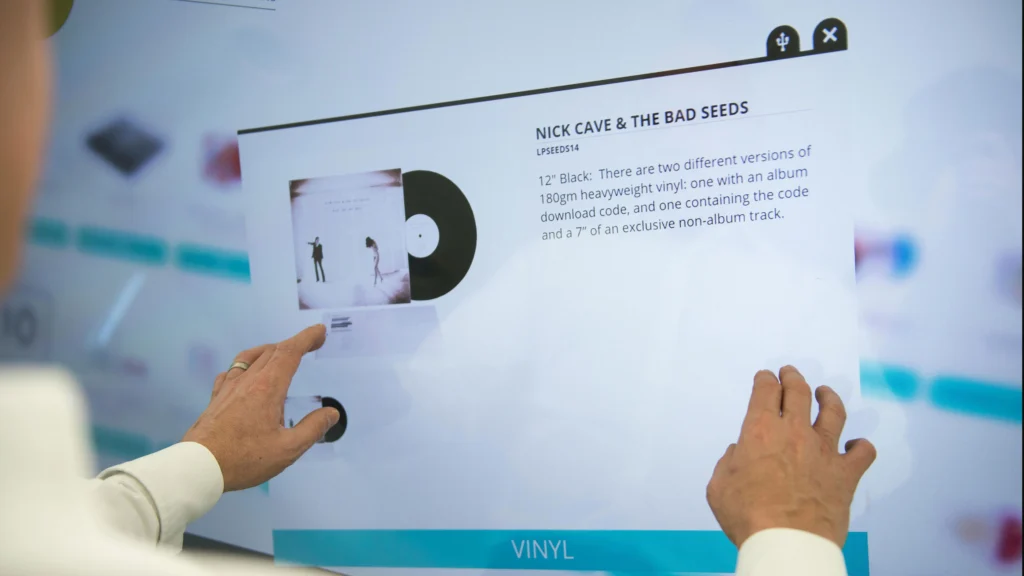
1. Can I use my old SMART Notebook lessons on a new Interactive Flat Panel?
Yes. Most modern IFP brands offer software that can import and convert .notebook files. Additionally, many schools choose to run the SMART Learning Suite software on an OPS PC inside the new flat panel, allowing teachers to keep their existing curriculum exactly as it is.
2. Are Interactive Flat Panels more fragile than Smart Boards?
Actually, no. Most IFPs use 7H or 9H tempered glass, which is incredibly difficult to scratch or break. Traditional interactive whiteboards, especially resistive ones, have a soft plastic surface that can be easily punctured or damaged by sharp objects or even aggressive pen use.
3. Do I need to dim the lights to see an Interactive Flat Panel?
Not at all. This is one of the primary benefits of the smart board vs interactive flat panel shift. IFPs are backlit with high-powered LEDs (usually 350-500 nits), making them perfectly visible in bright classrooms with the lights on and curtains open.
4. What is the typical lifespan of an IFP compared to a Smart Board?
A Smart Board’s lifespan is usually dictated by the projector, which may need a new bulb every 2,000 hours and a full replacement every 5 years. An IFP is typically rated for 50,000 hours, which can easily last 10 to 15 years in a standard school environment.
5. Is it hard to switch from a Smart Board to a Flat Panel?
The learning curve is very low. Because the IFP feels more like a giant iPad, most teachers and students find it much more intuitive than the older board-and-projector setups. The biggest adjustment is simply getting used to the increased brightness and clarity.