
Table of Contents
Introduction: Why Classroom Projectors Matter
In today’s rapidly evolving educational landscape, technology plays a pivotal role in enhancing learning outcomes. Among the most versatile and widely adopted tools in modern classrooms is the projector. For educators, school administrators, and IT managers, understanding the nuances of projection technology is essential to making informed purchasing and deployment decisions. This classroom projector guide serves as a comprehensive resource to navigate everything from core technical components to installation strategies and best practices for maximizing classroom engagement.
Projectors are no longer simple devices that project images onto a blank wall. Modern models integrate advanced optics, high-resolution displays, and interactive features, turning traditional classrooms into immersive learning environments. They allow teachers to deliver multimedia-rich lessons, enable collaborative student participation, and seamlessly integrate with digital teaching platforms. Moreover, selecting the right projector can significantly impact the quality of instruction, eye comfort, and overall student engagement.
Understanding Classroom Projectors

Definition and Core Concept
A classroom projector is a device designed to project visual content onto a screen or wall in educational settings. Unlike standard home projectors or office models, classroom projectors are engineered for high ambient light environments, frequent daily use, and ease of integration with existing classroom infrastructure. They transform a room into a multimedia-enabled learning environment, supporting not only video and presentations but also interactive content in some models.
The fundamental purpose of a classroom projector is to enhance visibility and interactivity. While some schools now integrate interactive displays, projectors remain highly cost-effective for larger spaces, providing scalable solutions without replacing existing classroom setups. For more on interactive teaching tools, see our article on interactive displays in classrooms.
Differences Between Projectors, Interactive Displays, and Smart Boards
Although often grouped under “educational technology,” these devices serve different purposes:
- Standard Projectors: Simple image projection, generally requires a separate computer.
- Interactive Projectors: Project images that can be annotated or interacted with directly on the projection surface.
- Smart Boards / Interactive Displays: All-in-one solutions with embedded computing, touch capabilities, and collaboration software.
The classroom projector guide focuses on the selection, usage, and optimization of projectors specifically, while recognizing how they complement other classroom technologies.
Key Components of a Classroom Projector

Understanding what lies inside a projector helps in evaluating performance and long-term reliability. While specifications can appear complex, they often boil down to a few critical components.
1. Projection Technology
Most projectors rely on one of three core technologies:
- LCD (Liquid Crystal Display): Offers bright, sharp images, suitable for well-lit classrooms. Good color accuracy but may show slight “screen door” effect in very high resolutions.
- DLP (Digital Light Processing): Uses microscopic mirrors for high contrast and smooth motion. Less prone to color degradation over time.
- LCoS (Liquid Crystal on Silicon): Hybrid approach offering high-quality visuals with better contrast and smooth gradients, but often at a higher cost.
2. Light Source
Projector brightness and lifespan largely depend on its light source:
- Lamp-based: Traditional, cost-effective but requires replacement every 2000–5000 hours.
- LED: Longer lifespan (20,000+ hours) and energy-efficient, but lower peak brightness.
- Laser: Extremely bright, long-lasting (20,000+ hours), and ideal for high-ambient-light classrooms.
Selecting the appropriate light source affects operational costs, maintenance schedules, and classroom visibility.
3. Lens and Zoom
Projector lenses determine throw distance and image size:
- Fixed lenses: Simple installation, limited flexibility.
- Zoom lenses: Allow for varying projection distances without moving the unit.
- Throw ratios: Key metric to match room size and screen dimensions. Short throw and ultra-short throw projectors are especially useful in small classrooms to prevent shadows and glare.
4. Connectivity
Modern classroom projectors support multiple connection types:
- HDMI / VGA / USB: Standard wired connections for laptops and media devices.
- Wireless / Miracast / AirPlay: Enable mobile devices and tablets to cast content without cables.
- Network integration: Ethernet or Wi-Fi connectivity allows centralized management in school networks.
5. Audio Output
Although projectors are primarily visual devices, integrated audio is increasingly common. Some include:
- Front-facing speakers for medium-sized rooms
- Microphone support for interactive lessons
- Compatibility with external AV systems for larger halls
Core Functional Capabilities
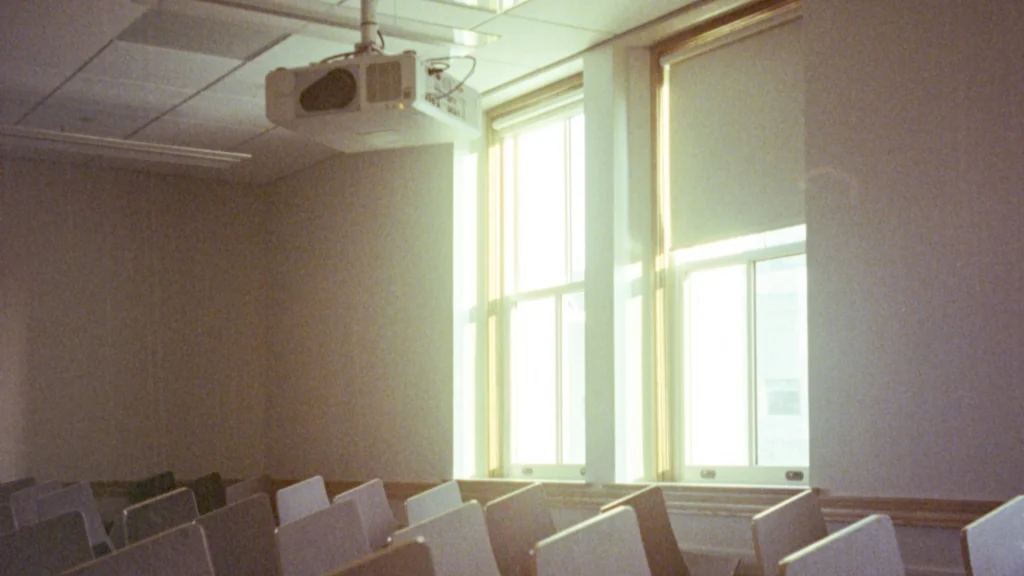
The true value of a classroom projector lies in how it supports teaching workflows and student engagement. When selecting a projector, consider the following:
Image Clarity and Resolution
High resolution ensures text, charts, and diagrams remain legible from the back of the classroom. Most modern projectors support Full HD (1080p) as a baseline, with some advanced models offering 4K resolution for superior clarity.
Color Accuracy and Contrast
Projectors with high contrast ratios and accurate color reproduction improve visibility of multimedia content. Accurate colors are critical when teaching subjects like science, geography, or art.
Keystone Correction and Lens Shift
These features allow projectors to correct image distortion due to angled placement or irregular screen surfaces. Vertical and horizontal adjustments reduce installation constraints, especially in retrofitted classrooms.
Interactive Capabilities
Some classroom projectors support pen or finger-based interaction directly on the projected image. These interactive projectors can mimic the functionality of smart boards at a lower cost and with flexible placement options. For insights on hybrid classroom technologies, see smart classroom components guide.
Lumens Needed for Your Classroom
Brightness is one of the most critical factors when choosing a projector. Measured in lumens, it dictates how well the image will appear under ambient lighting conditions.
- Small classrooms (≤ 30 students): 2500–3500 lumens is usually sufficient.
- Medium classrooms (30–60 students): 3500–4500 lumens recommended.
- Large lecture halls (>60 students): 4500+ lumens to overcome ambient light and long throw distances.
Factors affecting brightness requirements include projector distance, room lighting, screen type, and wall color. Always consider ambient light when planning deployment to avoid washed-out images.
Types of Projectors for Classrooms
| Type | Advantages | Considerations |
|---|---|---|
| Standard Projector | Cost-effective, reliable | Requires darkened rooms |
| Short Throw | Reduces shadows, works in small spaces | Slightly higher cost |
| Ultra Short Throw / Interactive | Supports annotation, saves space | Requires flat wall/screen |
| Laser Projector | High brightness, long lifespan | Higher upfront cost |
Each projector type has specific use cases; the choice depends on room size, usage frequency, and available budget.
Installation and Deployment Considerations
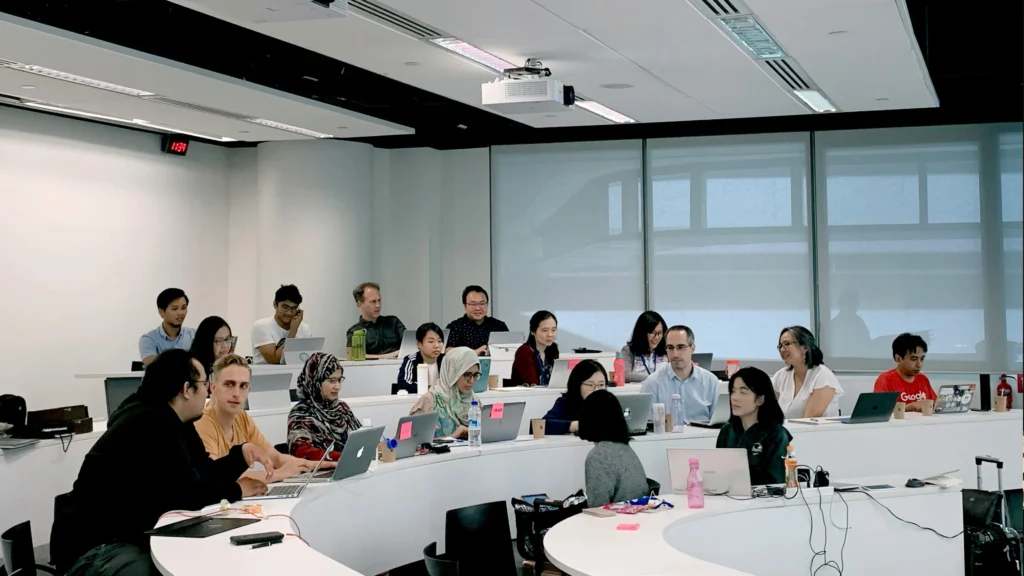
Choosing the right classroom projector is only half the battle; proper installation ensures maximum performance, longevity, and usability. Here are the key factors to consider:
Placement and Throw Distance
Projector placement depends on room dimensions, screen size, and throw ratio. Short throw and ultra-short throw projectors are increasingly popular in classrooms because they reduce shadows caused by teachers standing in front of the projection.
- Front-mounted projectors: Installed on the ceiling, facing the screen. Ideal for permanent installations in mid-sized classrooms.
- Rear projection setups: Useful for interactive spaces where minimal glare is important. Requires a dedicated projection area behind a translucent screen.
Calculating throw distance correctly ensures images fit the screen without distortion. Many manufacturers provide online throw calculators—these are especially useful for retrofitting existing classrooms.
Screen Selection
Although projectors can display images on plain walls, a dedicated projection screen significantly improves contrast, brightness, and image clarity. Consider the following:
- Matte white screens: Provide accurate color and even illumination.
- Grey screens: Improve contrast in rooms with higher ambient light.
- Motorized vs. manual: Motorized screens offer convenience for multi-use classrooms but cost more.
Pairing the right screen with the correct lumens output is essential to achieving the intended visual experience.
Connectivity and Cabling
Classrooms may host multiple devices—laptops, tablets, document cameras, and media players. Ensuring the projector has versatile connectivity options is critical. Some best practices:
- Use HDMI or DisplayPort for high-definition content.
- Consider wireless casting solutions for BYOD (bring your own device) environments.
- Plan cable management carefully to avoid clutter and maintain safety.
Proper network integration also allows IT administrators to remotely monitor projector status, update firmware, and manage multiple devices centrally. For more on classroom network setups, see our Classroom Network Setup: Tips for Stability.
Mounting and Security
Ceiling mounts are common in classrooms, but some considerations are necessary:
- Ensure mounting brackets support the projector weight and allow for adjustments.
- Use security locks to prevent theft, especially in public schools.
- Confirm easy access to filters and lamps for routine maintenance.
Installation planning should balance accessibility, security, and optimal image positioning.
Evaluating and Purchasing a Classroom Projector
Before making a purchase, schools need a structured approach to ensure long-term satisfaction and cost-effectiveness.
Step 1: Define Classroom Needs
Each classroom may have unique requirements based on:
- Room size and seating arrangement
- Lighting conditions
- Intended use (lecture, multimedia, interactive lessons)
- Frequency of use
Creating a needs matrix helps shortlist projector models efficiently.
Step 2: Compare Technical Specifications
Key specifications to examine:
- Lumens: Adequate brightness for ambient light conditions
- Resolution: Full HD or higher for text and detail clarity
- Contrast Ratio: Higher ratios improve readability of detailed content
- Connectivity Options: HDMI, USB, wireless, network compatibility
- Lamp Life / Light Source: Impacts operational costs
Using a weighted scoring system for each factor helps objectively compare models.
Step 3: Assess Total Cost of Ownership (TCO)
Beyond initial price, consider:
- Replacement lamps or maintenance kits
- Warranty and service coverage
- Energy consumption
- Potential upgrades (lens, firmware)
Laser and LED projectors may have higher upfront costs but lower long-term maintenance, making them suitable for schools with heavy usage.
Step 4: Vendor and Support Evaluation
Reliable support is crucial for minimizing downtime. Consider:
- Authorized service centers
- Availability of replacement parts
- Training and installation support
For large-scale deployments, partner with vendors experienced in educational environments.
Procurement Tips and Best Practices
To ensure smooth implementation and adoption:
- Test Before Buying: Request demonstration units or trial periods. Confirm brightness, color accuracy, and connectivity with existing devices.
- Consider Room Flexibility: Choose projectors that adapt to multiple classroom layouts, including movable mounts or adjustable throw ratios.
- Plan for Future-Proofing: Ensure firmware updates, interactive compatibility, and optional accessories are supported for the next 5–7 years.
- Engage Teachers: Get feedback from staff who will use the projector daily to ensure ergonomic placement and usability.
- Document Specifications: Maintain records of model numbers, maintenance schedules, and warranties for all units.
Well-planned procurement and deployment increase the ROI of classroom projectors while enhancing teaching effectiveness.
Maintenance and Longevity
Keeping a classroom projector operational over years requires simple but consistent maintenance:
- Cleaning air filters and vents to prevent overheating
- Regular lamp or light source checks
- Firmware updates to improve performance and fix bugs
- Cable and connectivity checks to avoid interruptions
Properly maintained projectors can last beyond their rated lifespan, minimizing classroom disruptions and replacement costs.
The Role of Projectors in Modern Smart Classrooms
As education technology evolves, classrooms are becoming increasingly digital and interactive. While devices such as interactive displays and tablets are gaining popularity, projectors still play a vital role in many schools due to their scalability, affordability, and flexibility.
A well-designed classroom technology environment often includes multiple display tools. Projectors serve as a central visual platform that supports lectures, multimedia presentations, collaborative discussions, and hybrid learning environments.
In many schools, projectors are integrated into broader smart classroom ecosystems. These ecosystems combine display technologies, cloud-based software, learning management systems, and student devices to create a connected learning environment.
Within this ecosystem, projectors provide several advantages:
First, they allow large images to be displayed at relatively low cost. A 100-inch projected image is often significantly cheaper than purchasing an equally large display panel.
Second, projectors are adaptable. They can be used in traditional lecture classrooms, training rooms, auditoriums, and even temporary teaching environments.
Third, they integrate well with existing teaching workflows. Teachers who already rely on slides, videos, or document cameras can easily incorporate projectors without major training.
However, projectors are most effective when implemented as part of a strategic classroom technology plan rather than as standalone devices.
When Projectors Are the Best Choice for Schools
Although many schools are adopting large interactive flat panels, projectors remain the most practical solution in many scenarios.
One common scenario is large classrooms or lecture halls. When the viewing distance increases, larger image sizes are required to maintain readability. Projectors can easily produce 120-inch or larger displays, making them ideal for these environments.
Another scenario is budget-constrained deployments. Many school districts must equip dozens or even hundreds of classrooms with visual technology. In these cases, the lower cost per classroom of projectors can significantly reduce capital expenditure.
Projectors also remain useful in multi-purpose classrooms. Spaces that are used for lectures, presentations, and community events benefit from flexible display systems that can be adjusted or temporarily removed.
In addition, some schools prefer projectors because they allow instructors to move freely without being restricted to a touchscreen interface.
However, choosing the right equipment still requires a careful analysis of classroom conditions. Factors such as ambient light, screen size, and projector brightness must be evaluated carefully to ensure optimal results.
Future Trends in Classroom Projection Technology
Projection technology continues to evolve, and modern devices are significantly more advanced than earlier generations.
One major development is the shift toward laser light source projectors. Unlike traditional lamp projectors, laser systems offer longer lifespans, improved color stability, and minimal maintenance. Many laser projectors can operate for 20,000 hours or more without requiring lamp replacement.
Another trend is short throw and ultra-short throw projection. These designs place the projector closer to the screen, reducing shadows and glare. Ultra-short throw projectors are particularly useful in classrooms where teachers frequently stand near the screen.
Wireless connectivity is also becoming increasingly common. Modern classroom projectors support screen casting from laptops, tablets, and smartphones. This feature enables collaborative learning environments where students can easily share content during discussions.
Cloud integration is another emerging trend. Some projectors can connect directly to learning management systems or cloud storage platforms, allowing teachers to access materials without connecting a separate computer.
As these technologies mature, projectors will continue to play an important role in education technology ecosystems.
Schools exploring broader digital learning environments may also benefit from understanding the structure of smart classrooms and integrated AV systems.
Strategic Deployment Recommendations for Schools
Selecting the right projector is only the first step. Long-term success depends on how the technology is implemented and maintained across the institution.
Schools that successfully deploy classroom projection systems typically follow several strategic practices:
- They standardize equipment models across classrooms to simplify maintenance and training.
- They establish clear maintenance schedules to ensure filters, lamps, and ventilation systems remain functional.
- They provide teachers with basic training so that classroom technology becomes an asset rather than a distraction.
Another key recommendation is to plan classroom infrastructure carefully. Network connectivity, cable routing, and mounting locations should be designed during installation rather than retrofitted later.
When schools approach projector deployment strategically, the technology becomes a long-term educational investment rather than a short-term expense.
Final Perspective: Choosing the Right Classroom Projector
A classroom projector guide would not be complete without addressing the most important takeaway: selecting the right device depends on the specific teaching environment.
Different classrooms have different needs. A small seminar room requires a different projector than a large lecture hall, and a technology-focused classroom may prioritize interactive capabilities.
The most effective approach is to evaluate projectors based on the following factors:
- Room size and seating layout
- Ambient lighting conditions
- Required screen size
- Teaching methods and instructional style
- Long-term maintenance and operational costs
By carefully analyzing these variables, schools can select projection systems that deliver clear visuals, reliable performance, and long-term value.
Ultimately, classroom projectors remain one of the most versatile and cost-effective visual technologies available to educational institutions.
Classroom Projector Guide FAQ
What is a classroom projector?
A classroom projector is a visual display device designed to project images, videos, and presentations onto a large screen or wall. It allows teachers to share content with an entire classroom simultaneously, making it an essential tool for lectures and multimedia instruction.
How many lumens does a classroom projector need?
The required brightness depends on room lighting conditions and screen size. Most classrooms require between 3,000 and 5,000 lumens for clear visibility. Rooms with strong ambient light may require higher brightness levels.
Are laser projectors better for classrooms?
Laser projectors offer several advantages, including longer lifespan, lower maintenance, and consistent brightness over time. While they are more expensive initially, they often provide lower long-term operational costs.
What screen size is best for a classroom projector?
For most classrooms, screens between 80 and 120 inches work well. Larger rooms or lecture halls may require even bigger projection sizes to ensure students in the back can clearly see the content.
Do classroom projectors require a computer?
Not always. While many teachers connect laptops to projectors, some modern devices include built-in operating systems, wireless casting features, and cloud connectivity, allowing them to function independently.
Are projectors still relevant in modern classrooms?
Yes. Despite the rise of large interactive displays, projectors remain widely used due to their affordability, scalability, and ability to produce very large images.
Conclusion
Projectors have been used in classrooms for decades, but modern projection technology is far more advanced than early models. Today’s devices offer higher brightness, better resolution, longer lifespan, and improved connectivity.
Understanding how projector technologies work—especially brightness, resolution, and light source options—helps schools make informed purchasing decisions.
This classroom projector guide provides a comprehensive overview of the factors that influence projector performance and suitability for educational environments. By evaluating classroom needs carefully and considering long-term operational costs, schools can deploy projection systems that enhance teaching and learning for years to come.