Table of Contents
Introduction
The right classroom microphone selection is more than a technical decision—it directly affects teaching effectiveness, student engagement, and hybrid learning experiences. In modern classrooms, teachers rely on clear audio to communicate with both in-person and remote students. Poor audio quality can lead to misunderstandings, decreased participation, and frustration for both educators and learners.
Proper Classroom Microphone Selection ensures that every student, regardless of seating location, can hear clearly. It also allows teachers to move freely without worrying about losing sound quality, which is particularly important for hybrid classrooms where lessons are broadcast online.
The stakes are high: investing in classroom audio equipment without considering room acoustics, teaching style, and device compatibility can lead to wasted budget and underused technology.
Audio Pickup in Classrooms: Microphones, Arrays, and Mistakes
Types of Microphones for Classrooms
Lavalier Microphones
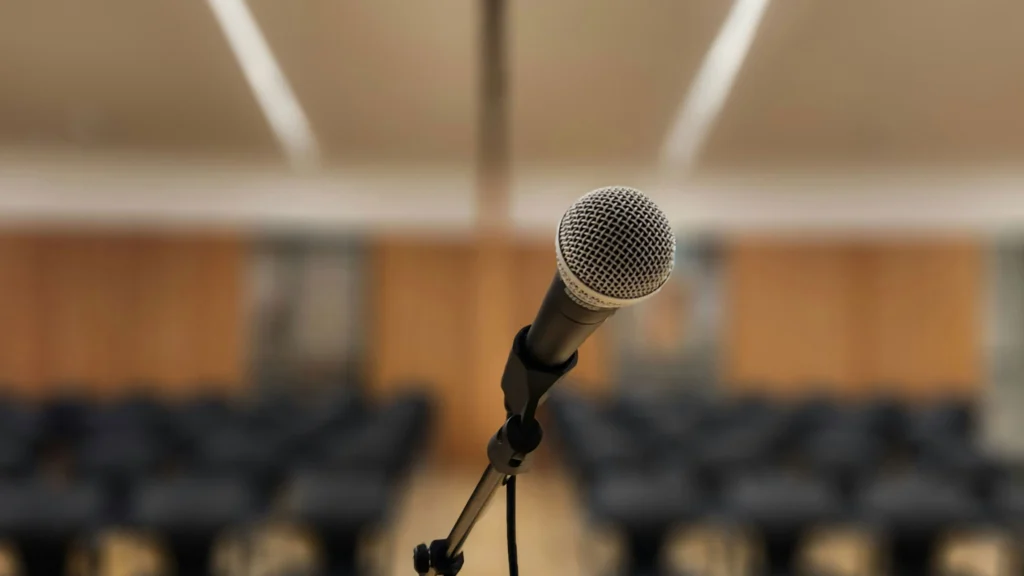
Lavalier microphones, also known as lapel mics, are small and discreet. They clip onto a teacher’s clothing and provide hands-free mobility.
Advantages:
- Allows teachers to move around freely
- Keeps hands free for demonstrations and interaction
- Suitable for hybrid classrooms
Limitations:
- Limited range; may require multiple mics in large classrooms
- Sensitive to clothing rustle and background noise
Handheld Microphones
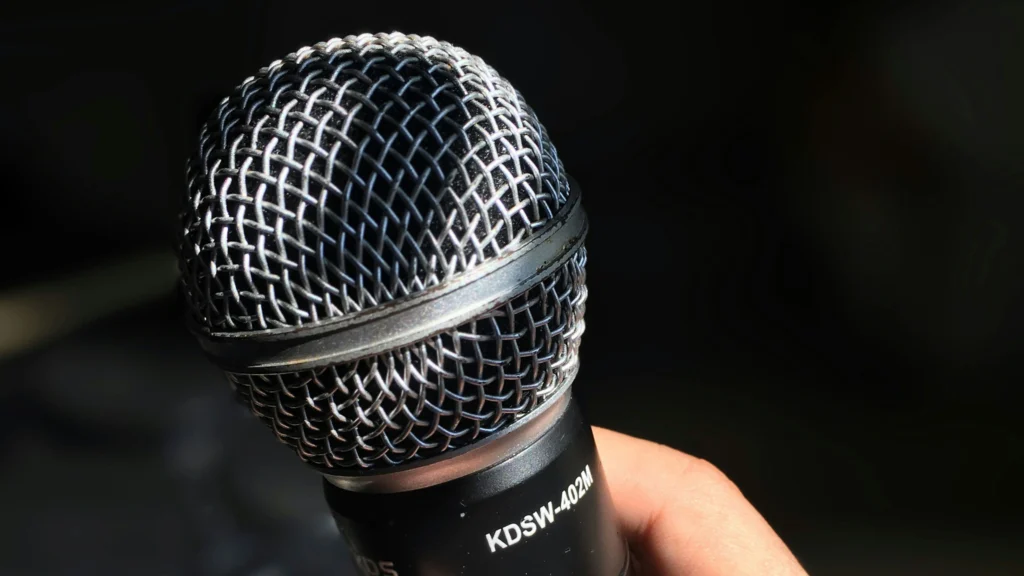
Handheld microphones are ideal for classrooms where teachers may want to pass the mic to students or guests.
Pros:
- Versatile for Q&A sessions
- Usually more robust than lavalier mics
- Easier troubleshooting for connectivity issues
Cons:
- Limits mobility
- Can be cumbersome for teachers who need to use both hands
Boundary and Ceiling Microphones
Boundary microphones, often mounted on walls, and ceiling microphones cover larger areas. They are particularly effective for group discussions or large lecture halls.
Advantages:
- Broad coverage for multiple speakers
- Minimizes cable clutter
- Integrates with networked AV systems
Placement Considerations:
- Ceiling microphones should be placed to avoid dead spots
- Boundary mics are best on reflective surfaces like tables or walls
- Calibration may require professional installation
Wireless vs Wired Microphones
Choosing between wired and wireless microphones involves balancing convenience, reliability, and cost.
Wireless Pros:
- Maximum mobility
- Reduces cable clutter
- Easier to implement in flexible learning spaces
Wireless Cons:
- Susceptible to interference
- Requires battery management
- Can be more expensive
Wired Pros:
- Reliable connection
- Less maintenance for power/battery
- Often less expensive
Wired Cons:
- Limits movement
- More visible cabling
Power and Cabling Best Practices for Smart Classrooms: Stability, Scalability, and Signal Integrity
Factors to Consider When Choosing a Microphone
Classroom Size and Acoustics
Classroom acoustics determine how sound propagates. Small rooms may only need a single lavalier or handheld mic, whereas large lecture halls benefit from ceiling or boundary microphones. Hard surfaces like whiteboards and windows can cause echo, requiring audio calibration.
Teacher Mobility and Teaching Style
A teacher who moves around frequently will need a wireless lavalier or headset. For teachers who mostly stay at the podium, a wired microphone integrated with the AV system may suffice.
Connectivity Options and Compatibility
Microphones must integrate with existing AV systems. Consider:
- Analog vs digital inputs
- Compatibility with mixers, speakers, and video conferencing platforms
- Integration with digital podiums or networked audio
Budget and Maintenance
High-end microphones provide superior sound but may require more maintenance. Consider:
- Replacement parts availability
- Warranty coverage
- Frequency of software or firmware updates
Optimal Microphone Placement and Setup Tips
Proper placement maximizes clarity and minimizes audio issues. Key tips:
- Position the microphone close to the sound source but avoid clothing interference for lavaliers.
- Maintain consistent distance from students for boundary or ceiling mics.
- Avoid pointing microphones directly at speakers to reduce feedback.
Main Microphone Type Comparison
| Microphone Type | Recommended Coverage Area | Ideal Placement Location |
|---|---|---|
| Lavalier | Small to medium rooms | Teacher’s chest/shoulder |
| Handheld | Small to large rooms | Near speaker or presenter |
| Boundary | Medium to large rooms | Wall or table surfaces |
| Ceiling | Large lecture halls | Evenly spaced on ceiling grid |
Common Microphone Issues in Classrooms
Even with the right microphone type, improper setup or environmental factors can cause problems. Understanding these issues helps prevent disruptions during lessons.
Audio Feedback and Echo
One of the most frequent issues in classrooms is feedback. This occurs when the microphone picks up sound from the speakers and re-amplifies it, creating a loop. Echo may also arise in hybrid lessons when students hear delayed audio from online participants.
Causes:
- Speaker volume set too high relative to microphone gain
- Incorrect positioning of boundary or ceiling microphones
- Delay from conferencing software
Solutions:
- Adjust speaker placement and volume
- Use directional microphones or low-latency digital systems
- Test audio during class simulation before live sessions
Uneven Audio Coverage
Students in the back or corners may struggle to hear clearly if microphones are poorly positioned. Ceiling mics might leave dead zones, and boundary mics can miss certain areas if tables or furniture block sound.
Mitigation Strategies:
- Map the classroom and plan mic placement based on coverage
- Test sound at different student locations
- Consider additional boundary or ceiling mics for large or irregular spaces
Audio Pickup in Classrooms: Microphones, Arrays, and Mistakes
Wireless Interference
Wireless microphones can encounter interference from Wi-Fi networks, Bluetooth devices, or other wireless equipment in modern classrooms.
Signs:
- Static or dropouts in audio
- Sudden volume fluctuations
- Unreliable connection during hybrid sessions
Tips to Avoid Interference:
- Assign dedicated frequency bands for classroom microphones
- Use digital wireless systems with automatic frequency selection
- Keep wireless mic receivers away from Wi-Fi routers or metal surfaces
Practical Setup Tips for Classroom Microphones
Rather than relying on a single type of microphone, integrating multiple microphones strategically often produces the best results. For example, a lavalier for the teacher combined with boundary mics at tables can capture both instructor speech and student discussion.
When setting up:
- Always perform a dry run before actual lessons. This reveals feedback issues or dead zones.
- Document microphone settings, channel assignments, and gain levels for each class.
- Consider room-specific calibration; classrooms vary in acoustics and furniture layouts.
Audio Pickup in Classrooms: Microphones, Arrays, and Mistakes
Microphone Setup Recommendations
| Classroom Type | Recommended Microphone Setup | Key Considerations |
|---|---|---|
| Small (<20 students) | Single lavalier or handheld | Mobility for teacher, minimal echo |
| Medium (20–40 students) | Lavalier + 1 boundary mic | Ensure rear coverage, check feedback |
| Large (>40 students) | Ceiling mics + lavalier | Multiple coverage zones, professional calibration |
Maintenance and Calibration
Regular microphone checks are crucial for consistent performance. Even the best equipment can degrade due to dust, cable wear, or firmware drift.
Monthly:
- Test all podium input/output ports.
- Check audio clarity and microphone function.
Quarterly:
- Update firmware on podiums, displays, and audio devices.
- Test hybrid session performance (latency, echo, video sync).
Annually:
- Complete system audit including cables, OPS modules, and network settings.
- Update training materials for faculty.
Best Practices:
- Monthly inspection of cables and connectors
- Test gain levels and audio clarity at multiple classroom points
- Firmware updates for digital wireless systems
- Document adjustments for reference
Maintenance Schedule
| Task | Frequency | Responsible Party |
|---|---|---|
| Check wireless battery levels | Weekly | IT staff / AV technician |
| Inspect cables & connectors | Monthly | IT staff |
| Test audio coverage | Monthly | Teacher + AV technician |
| Firmware updates | Quarterly | AV technician |
| Full system audit | Annually | AV team |
Frequently Asked Questions
How do I choose the right microphone for my classroom?
Consider room size, teaching style, and hybrid learning needs. Combine different types for best coverage.
How can I prevent audio feedback?
Adjust speaker placement, use directional microphones, and check gain settings before lessons.
Are wireless microphones reliable for hybrid classrooms?
Modern digital wireless systems are reliable if interference is managed and batteries are maintained.
How often should microphones be tested?
Weekly for basic checks, monthly for full audio coverage, and quarterly for firmware updates.
Can microphone placement affect student engagement?
Absolutely. Clear audio ensures students participate and understand lessons, while poor placement can lead to disengagement.
Can one podium manage multiple displays?
Yes, with proper AV configuration and software mapping, multiple displays can be controlled seamlessly.
How can I prevent audio latency in hybrid classes?
Separate in-room and remote channels, enable echo cancellation, and optimize network QoS.
How often should firmware updates be applied?
Quarterly updates are recommended to ensure compatibility and minimize integration issues.
What if a podium fails during class?
Always have a backup input source, like a laptop or tablet, mapped to the AV system for quick switching.
Are digital podiums compatible with older classroom AV systems?
Yes, but older hardware may require adapters or driver updates for full integration.